Types of Media Blocks in Decode
Overview
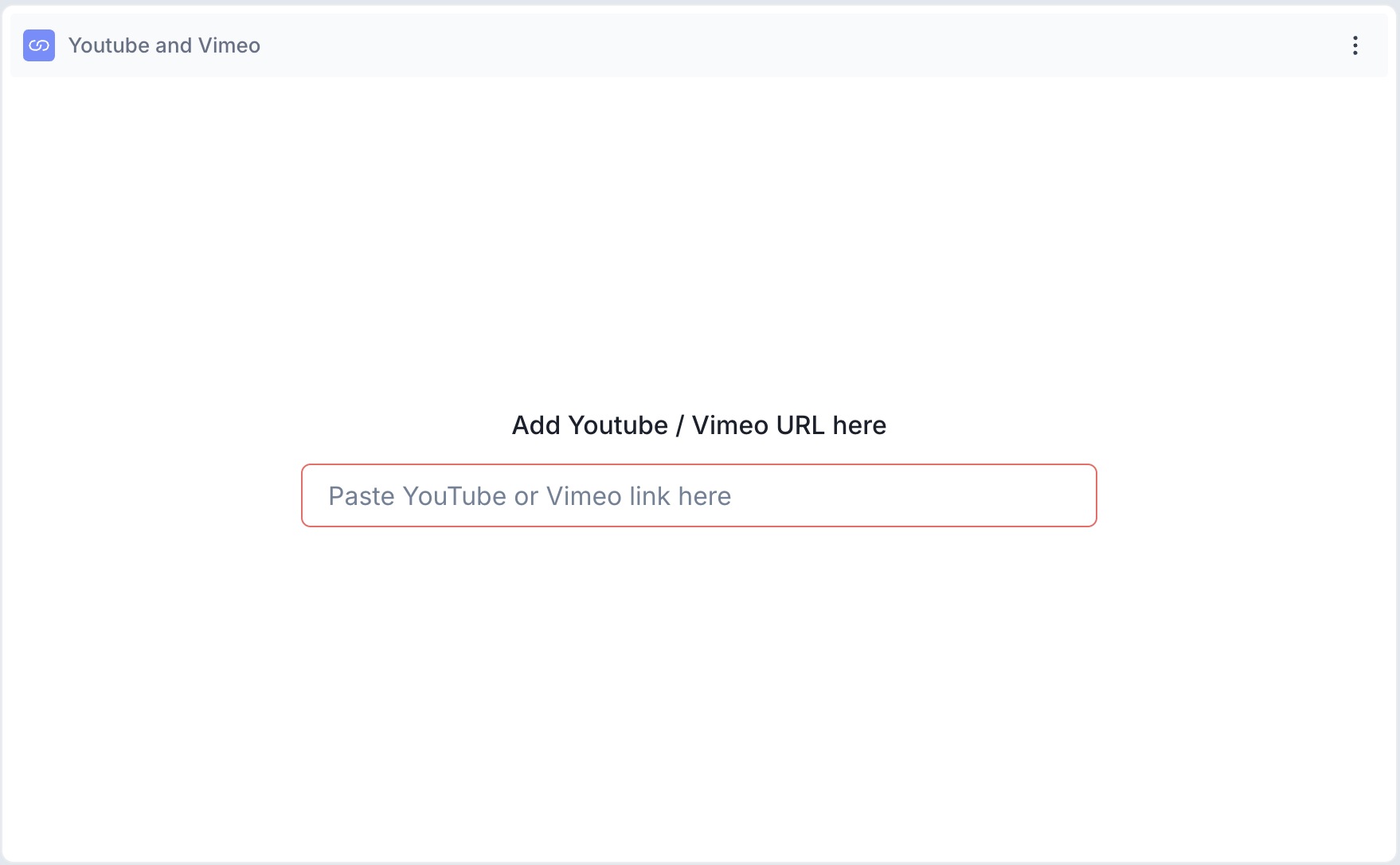
Decode supports two types of Media Blocks: Local File and YouTube and Vimeo. Both allow you to present media content to participants within the survey and collect reactions through follow-up questions and tracking technologies.
Below are the different Media Blocks you can add to your study, along with common use cases to help you choose the right one.
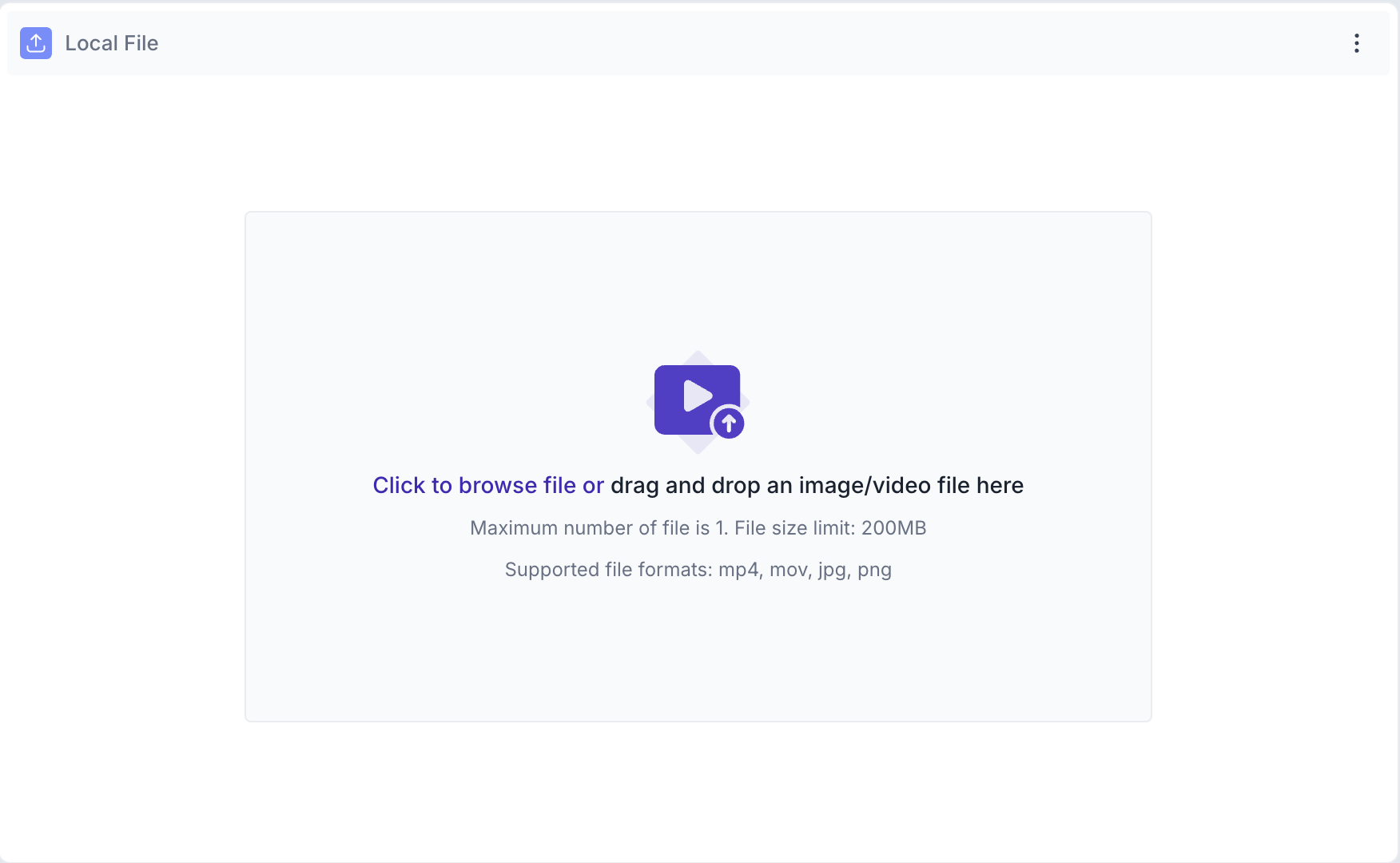
1. Local file: The Local File block is used to upload a video or image directly from your device. Use this when the media is not hosted online, such as early stage creative assets, internal test videos or confidential content that has not been published yet.
Once uploaded, the file is embedded directly into the survey and is visible only to participants of that study.
File upload limits
Maximum file size: 200 MB. Maximum files per block: 1. Supported formats: MP4, MOV, JPG and PNG.
When to use Local File:
- You are testing unpublished creatives or internal assets
- The media is confidential and should not be hosted on a public platform
- You want to test images such as packaging designs, print ads or UI screenshots
2. Youtube and Vimeo: The YouTube and Vimeo block is used to embed a publicly accessible video from either platform. Paste the video URL into the block and the video is automatically processed and embedded into the survey. A preview appears once the link is validated.
If the video is private or embedding is restricted by the platform, an error message will be shown and the video will not load for participants.
When to use YouTube and Vimeo:
- The video is already published and publicly accessible
- You want to test live ad campaigns or brand videos
- You are evaluating content that is already in market to understand how it is performing with your audience