
Types of Basic Question Blocks in Decode
Overview
This page covers each Basic Block available in Decode, what it does, how it works and example use cases to help you choose the right block for your study.
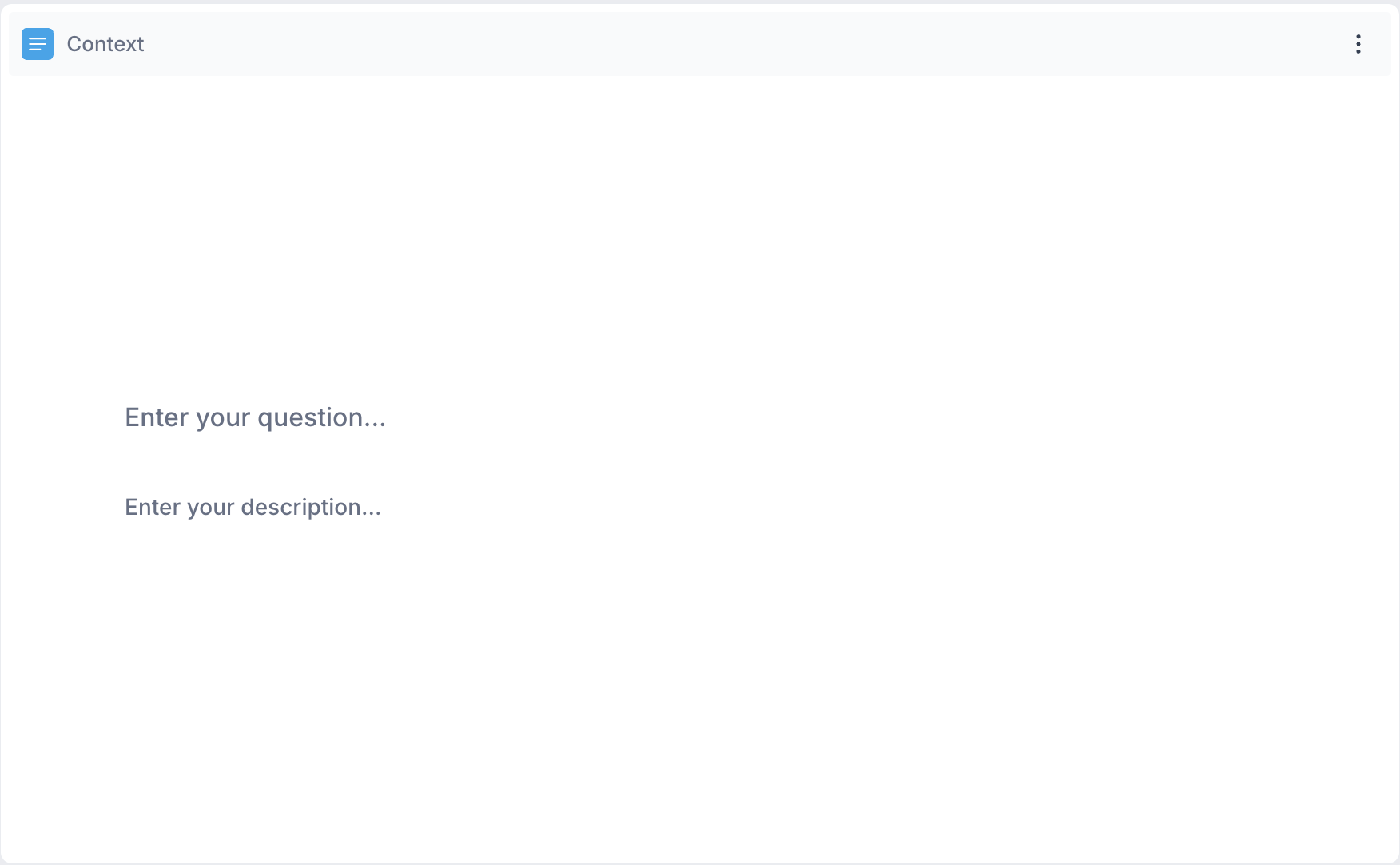
1. Context Block: A Context Block is a screen shown to participants to provide background information, instructions or context before a set of questions. Use it when you need to introduce a new section, explain what participants are about to be asked or provide any information that helps them respond more accurately.
2. Date Time : A Date Time block asks participants to select or enter a specific date and time. Use this when the research involves time-based responses such as when they last purchased a product, visited a store or used a service.
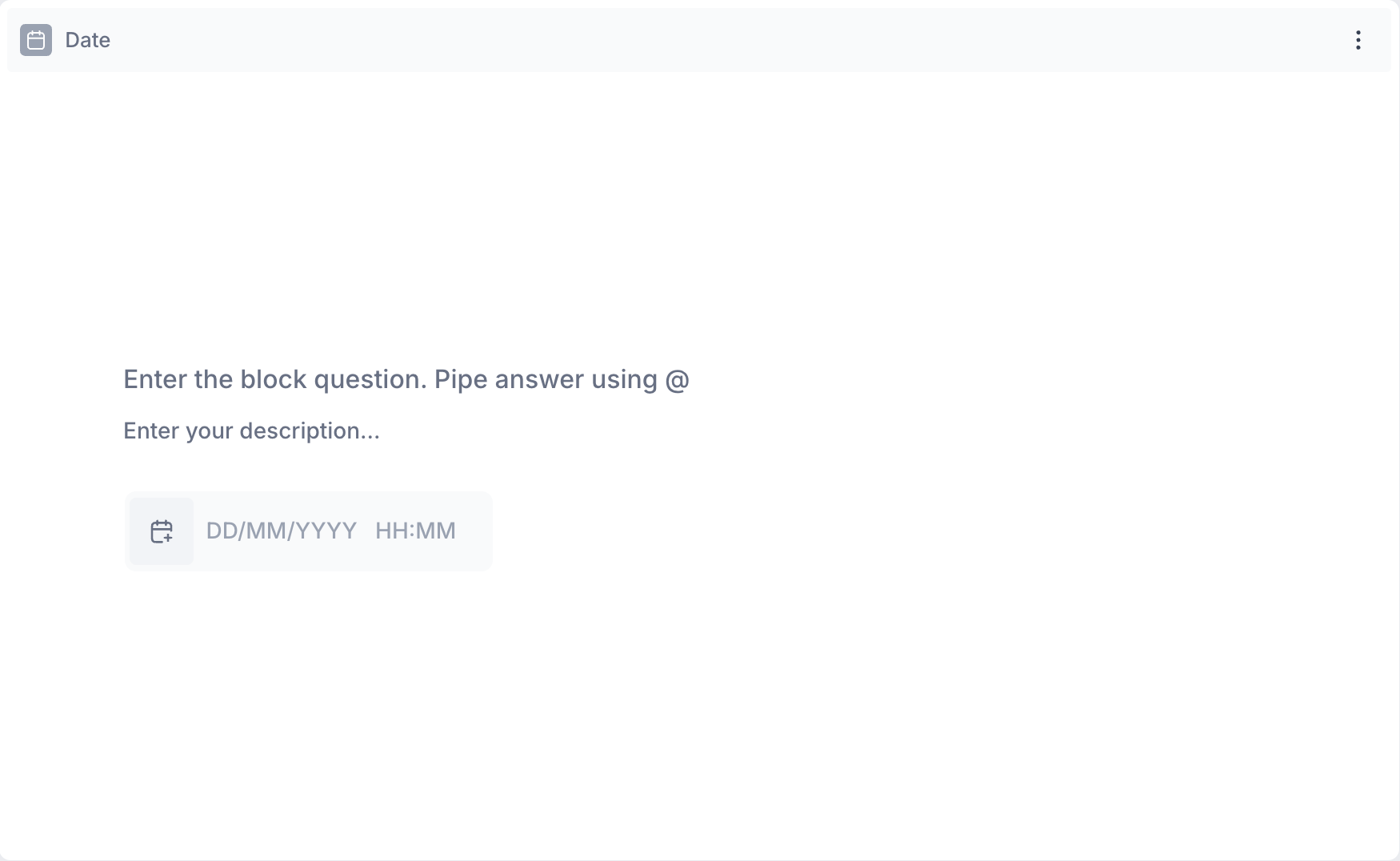
Example Use Cases:
- When did you last purchase this product?
- What date did you visit the store?
- At what time do you typically use this product?
3. Dropdown Question : A Dropdown is a question type that presents participants with a list of options to choose from. It is best suited for questions with a long list of answer options such as selecting a country, a product category or a brand. By default only one option can be selected. Multi-select can be enabled through the block properties when participants may have more than one answer.
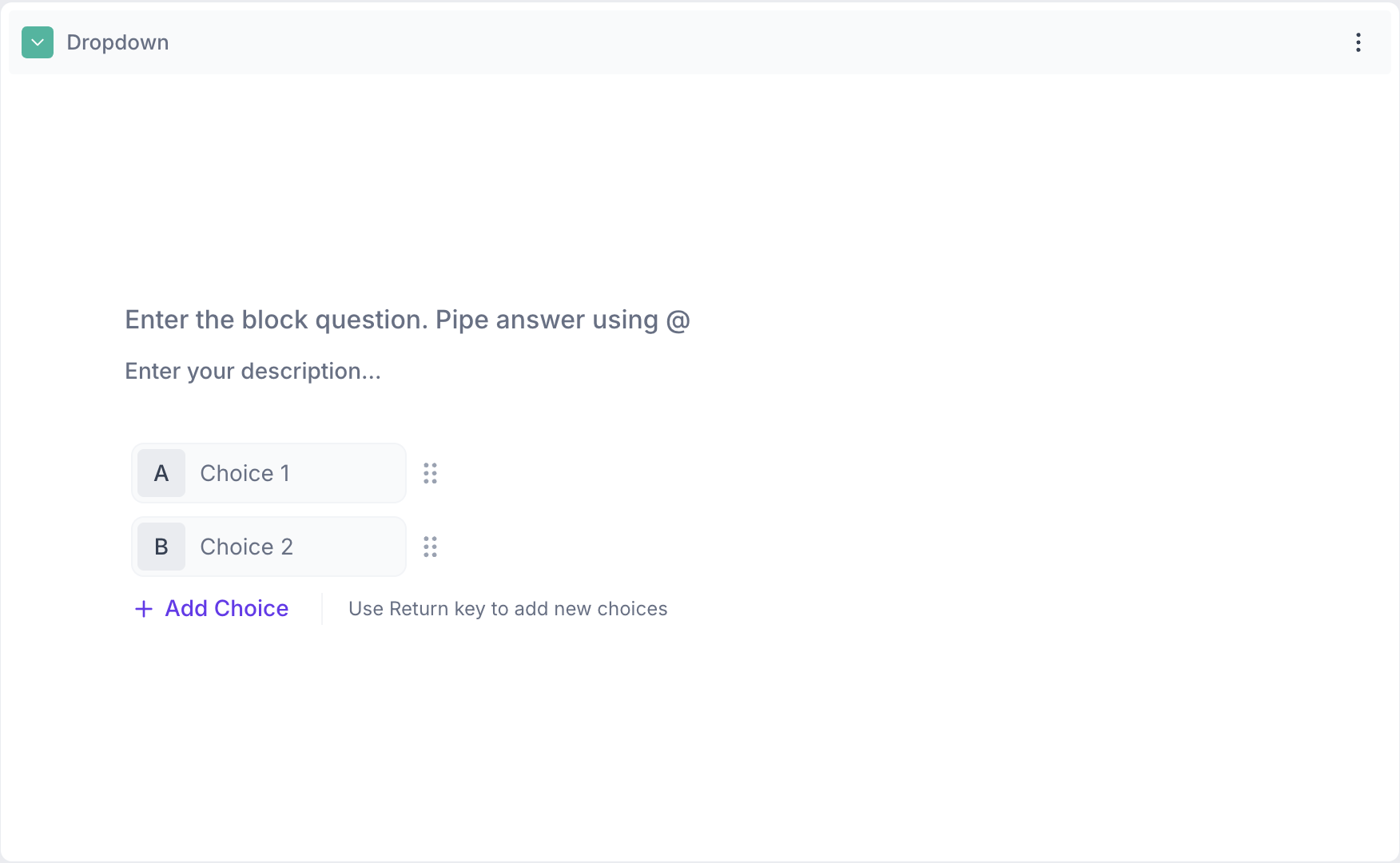
Example Use Cases :
Single Select:
- Which brand do you purchase most often?
- Where do you usually shop for this product category?
- What is your primary reason for choosing this product?
Multi-Select Enabled:
- What factors influenced your purchase decision?
- Which of the following stores have you shopped at in the last month?
- What product categories do you regularly buy from?
4. Likert Scale : A Likert Scale measures how strongly a participant agrees or disagrees with a statement, or how satisfied they are with a product, service or experience. Use this when you need to measure opinions, attitudes or satisfaction levels across a defined scale.
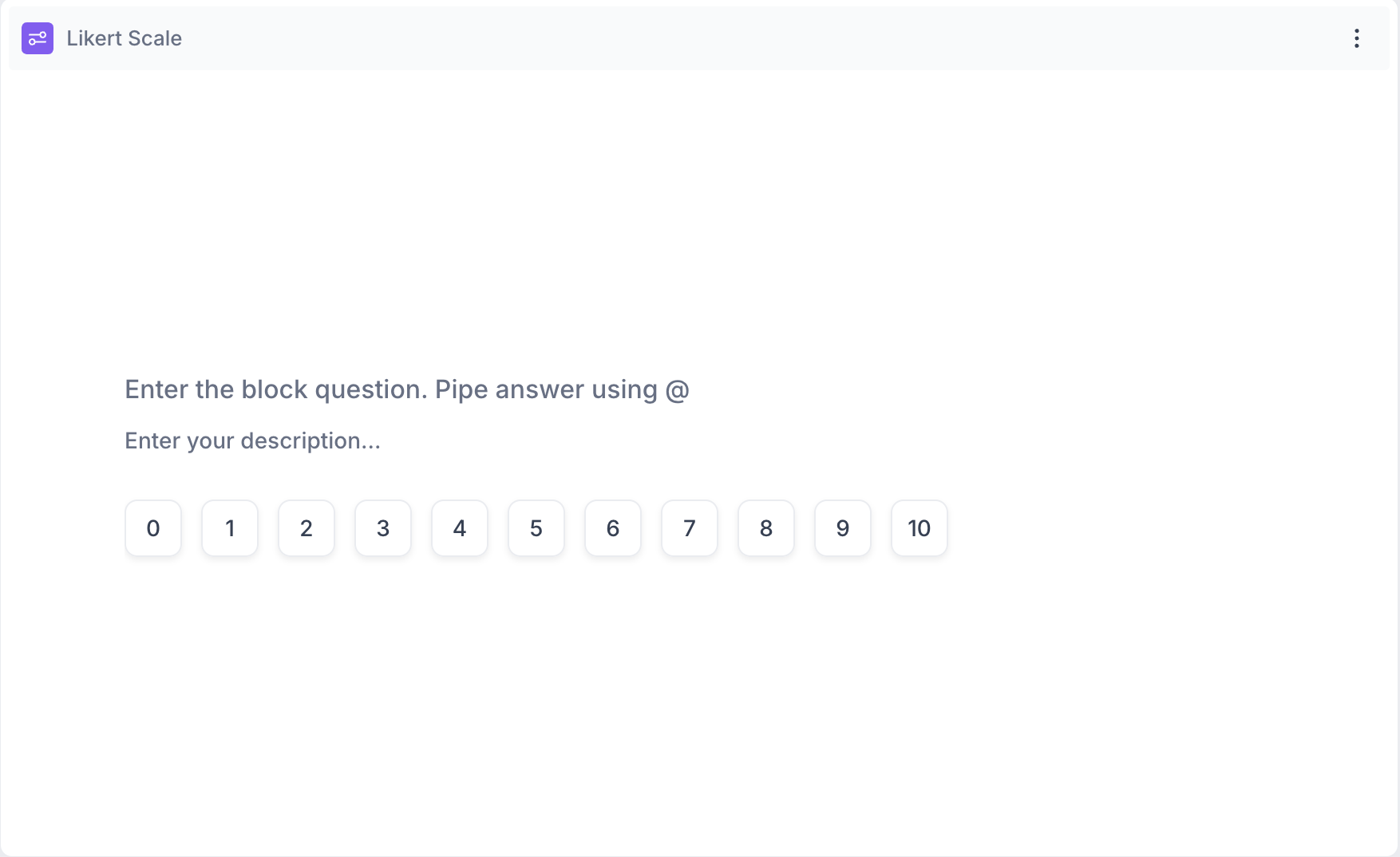
Example Use Cases:
- How satisfied are you with the product quality?
- How likely are you to recommend this brand?
- How strongly do you agree with the statement: “This product is worth the price”?
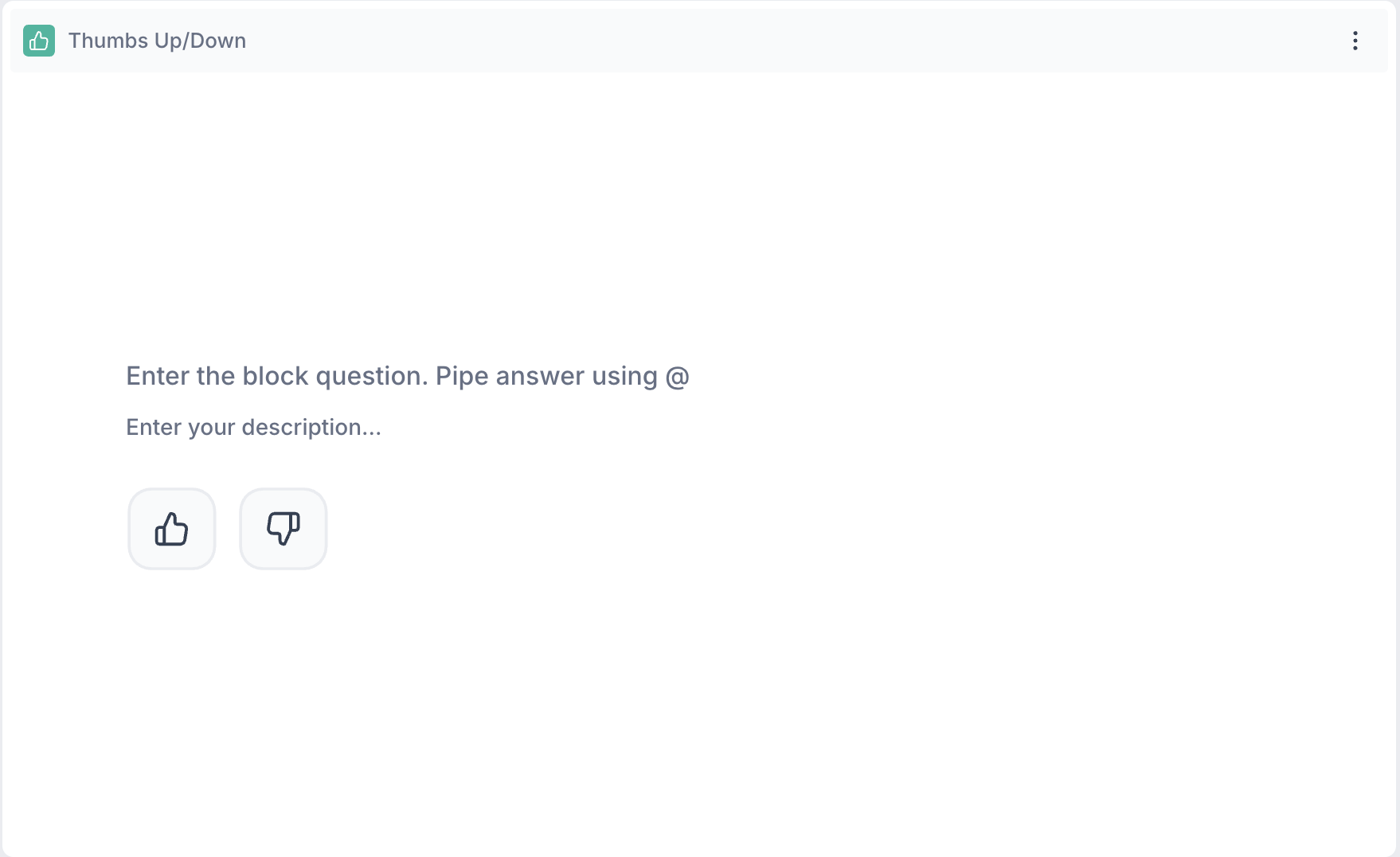
5. Thumb Up/Down : A Thumbs Up/Down block asks participants to give a quick positive or negative reaction to a statement, image or creative. Use this when you need fast binary feedback without requiring participants to rate or rank.
Example Use Cases:
- Did you like the packaging design?
- Do you find this ad appealing?
- Would you consider purchasing this product again?
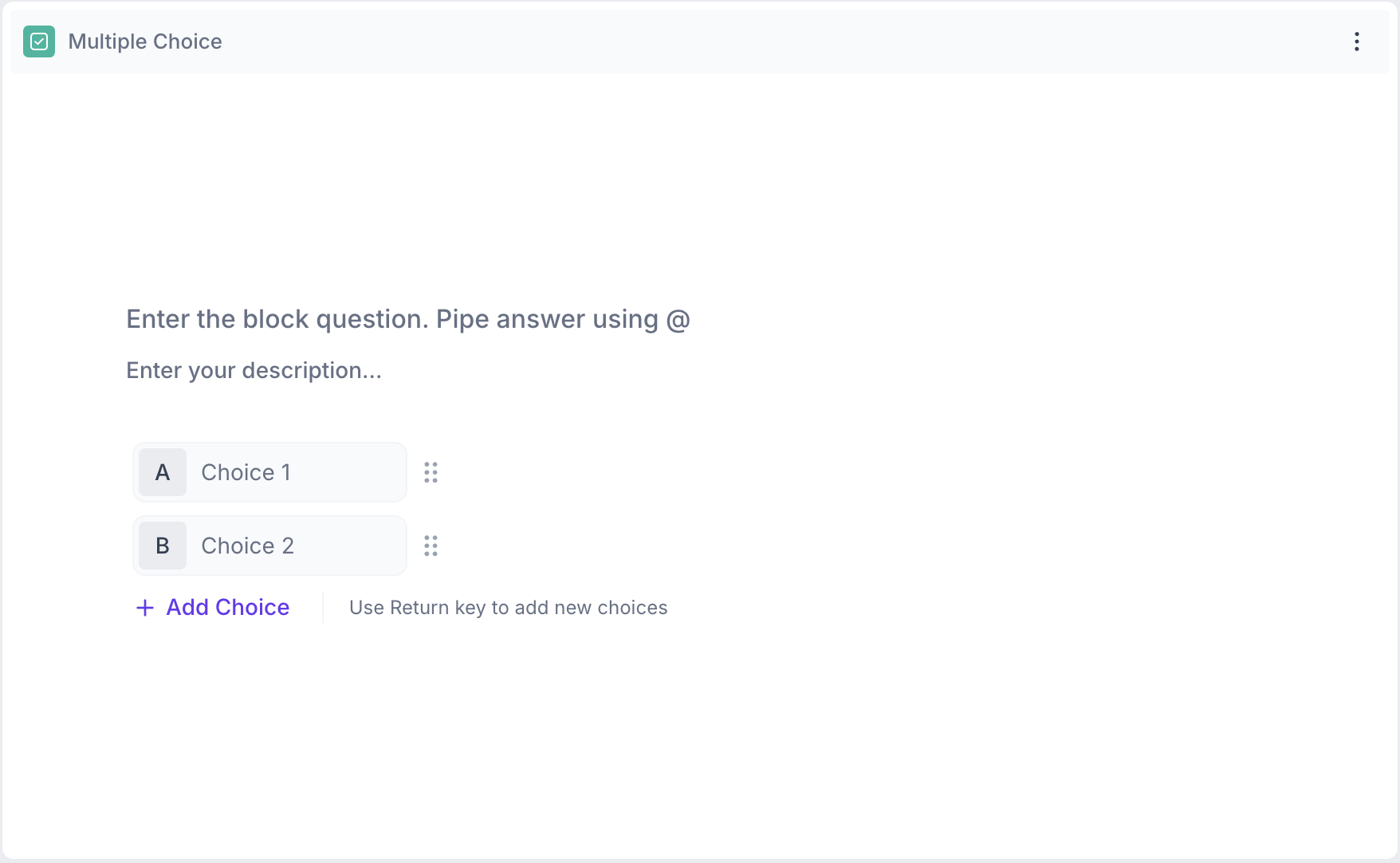
6. Multiple Choice Question : A Multiple Choice block presents participants with a defined set of answer options to choose from. Use this when you want participants to select their preference, behaviour or opinion from a list. By default only one option can be selected. Multi-select can be enabled through the block properties when participants may have more than one answer.
Example Use Cases:
Single Select:
- What is your preferred flavor of this product?
- How did you hear about this brand?
- Which price range best fits the product you purchased?
Multi-Select Enabled:
- Which features do you use regularly?
- What influenced your decision to buy this product?
- Which brands have you purchased in the past 3 months?
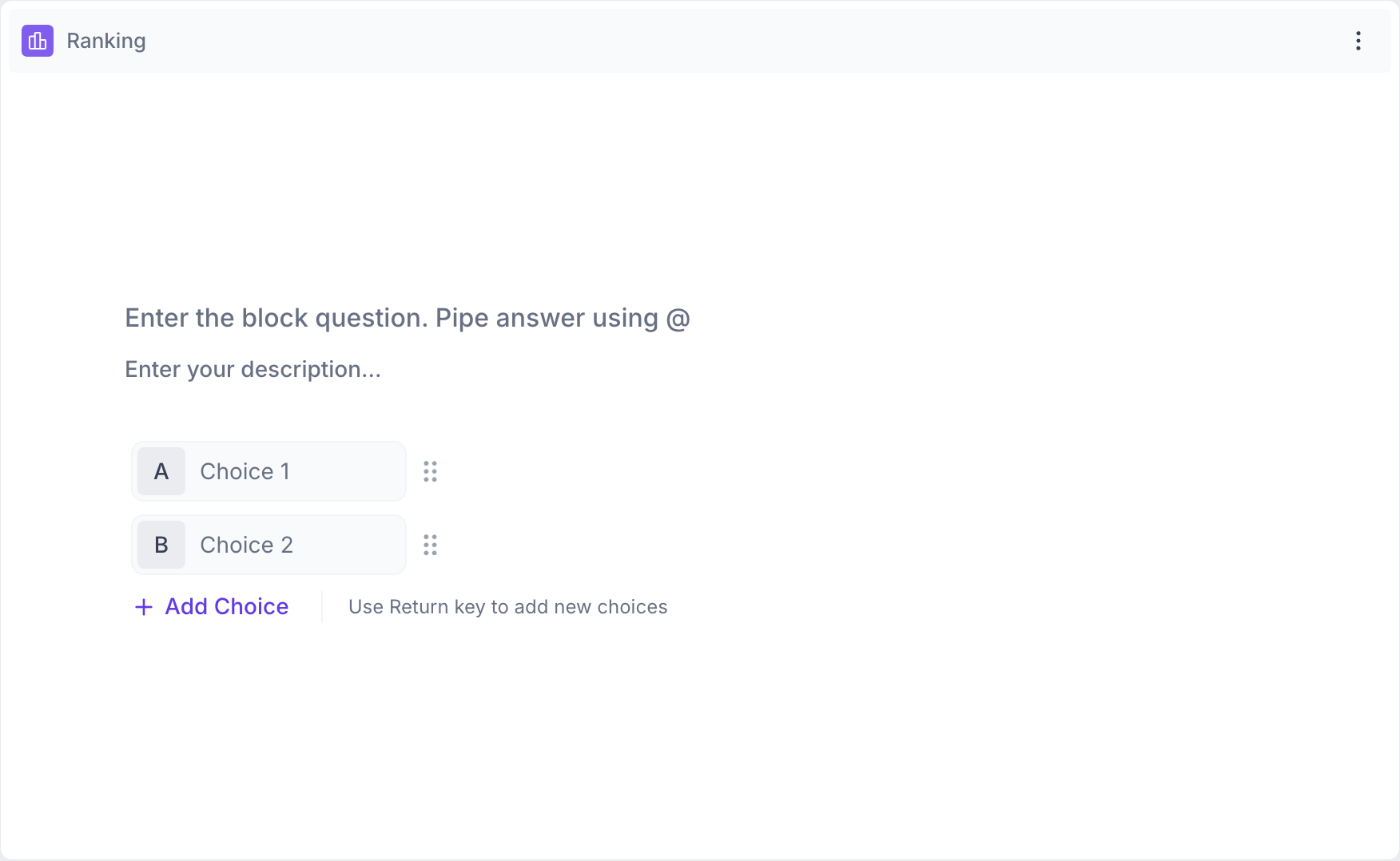
7. Ranking : A Ranking block asks participants to order a list of items based on preference, importance or relevance. Use this to identify which options are most preferred or valued by your audience.
Example Use Cases:
- Rank the following features based on importance.
- Rank these brands in order of preference.
- Order the purchase drivers from most to least important.
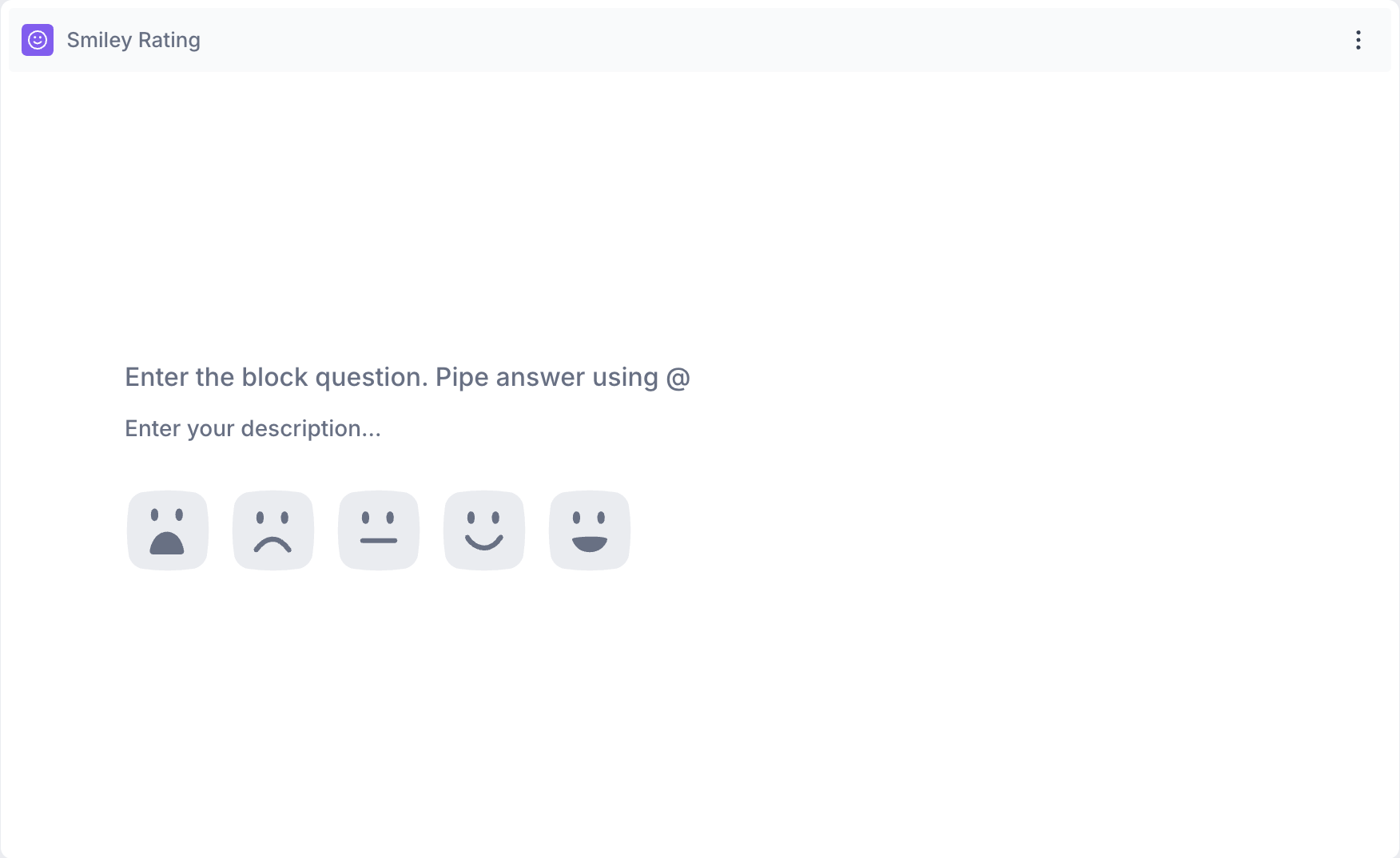
8. Smiley Rating : A Smiley Rating block measures a participant's emotional reaction or satisfaction using a five-point visual scale. Use this when you want to capture how a participant feels about a product, experience or creative in a quick and visual way.
Example Use Cases:
- How do you feel about the new product design?
- How satisfied are you with your shopping experience?
- What is your emotional reaction to this advertisement?
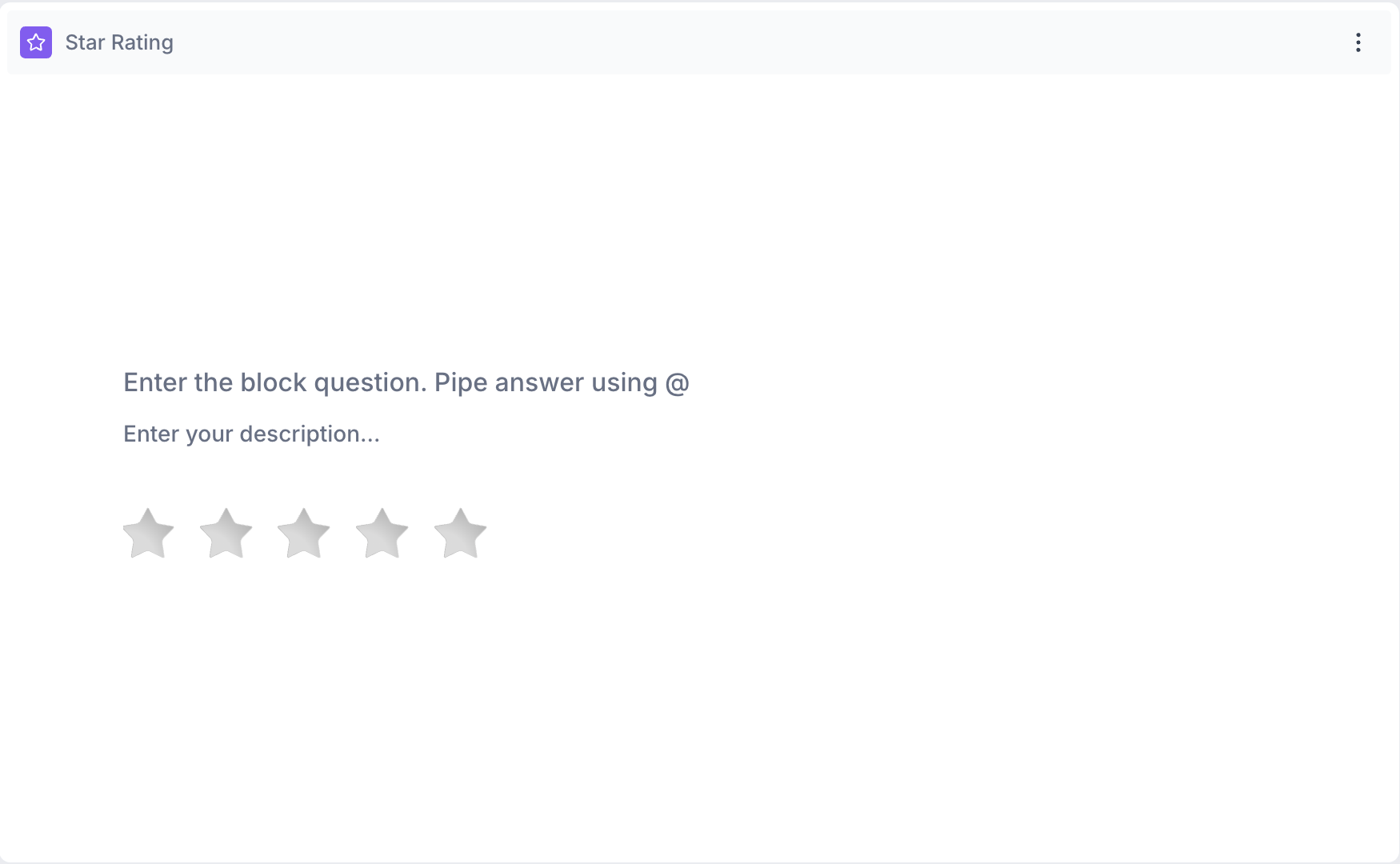
9. Star Rating Question : A Star Rating block measures a participant's satisfaction, perceived quality or overall experience using a star scale of up to five stars. Use this to collect ratings on a product, service or experience.
Example Use Cases:
- Please rate your satisfaction with the product.
- How would you rate the value for money?
- How would you rate the overall experience?
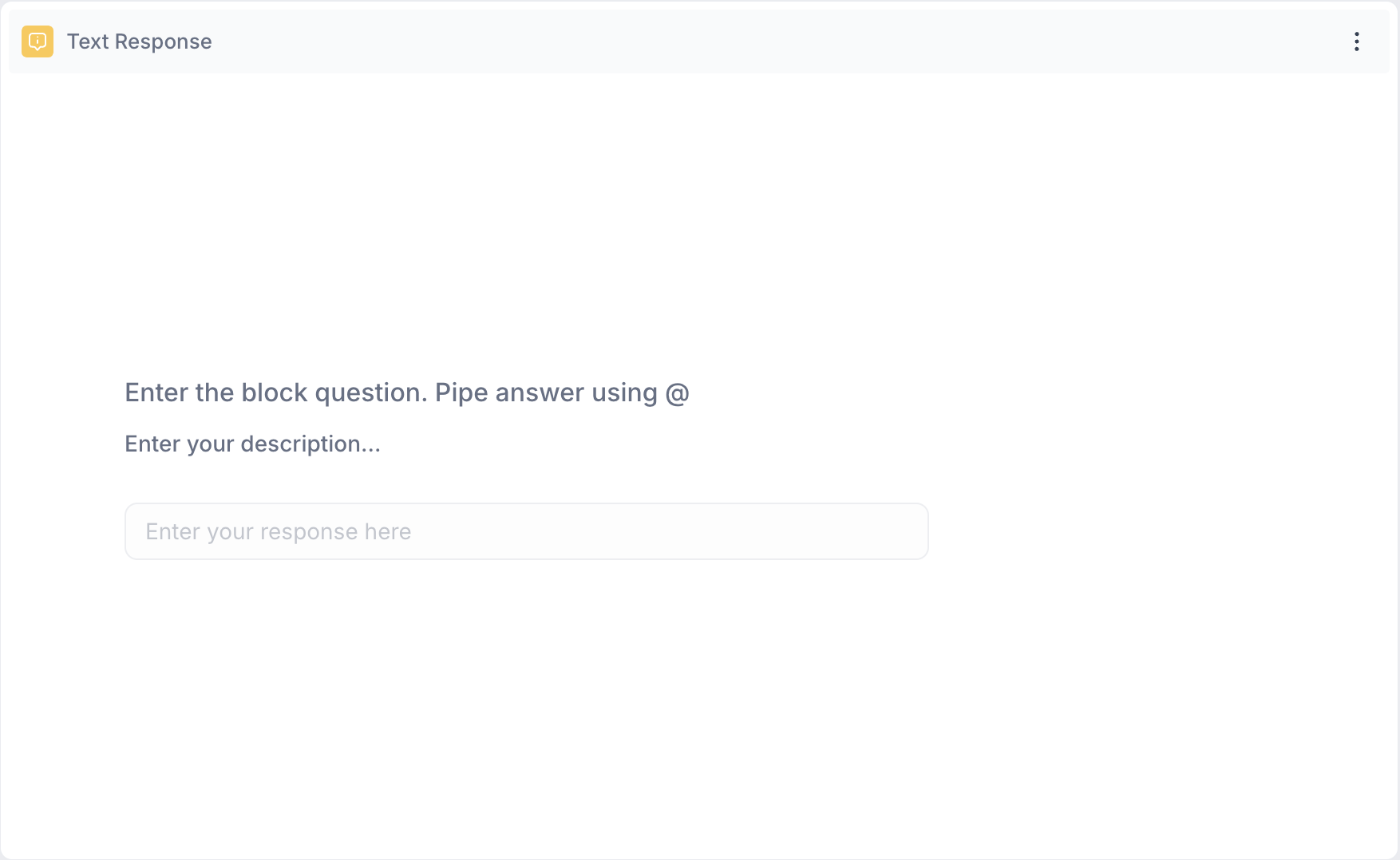
10. Text Response Question : A Text Response block asks participants to share their thoughts in their own words, with a character limit of up to 500 characters. Use this when you want open-ended feedback or explanations that go beyond predefined answer options.
Example Use Cases:
- What did you like most about the product?
- Do you have any suggestions for improvement?
- Why did you choose this brand over others?