
Decode Copilot and Deep Context
What is Copilot
Copilot is an AI assistant built into Decode that lets you ask questions about your studies and files without having to go into each section of the results manually. You can ask about participant responses, key findings, themes, emotions, file content or any other data collected in your study. Copilot returns an answer immediately along with the source it used, so you can verify the response or go deeper into that part of the study.
Copilot is available from the Dashboard, from inside any study and from Insights Hub. You can also use the Search option in the Copilot panel to search across your studies by keyword rather than asking a question.
Using Copilot from the Dashboard
Click the Copilot icon on the Dashboard to open the Copilot panel. You can ask questions about any study in your workspace from here.
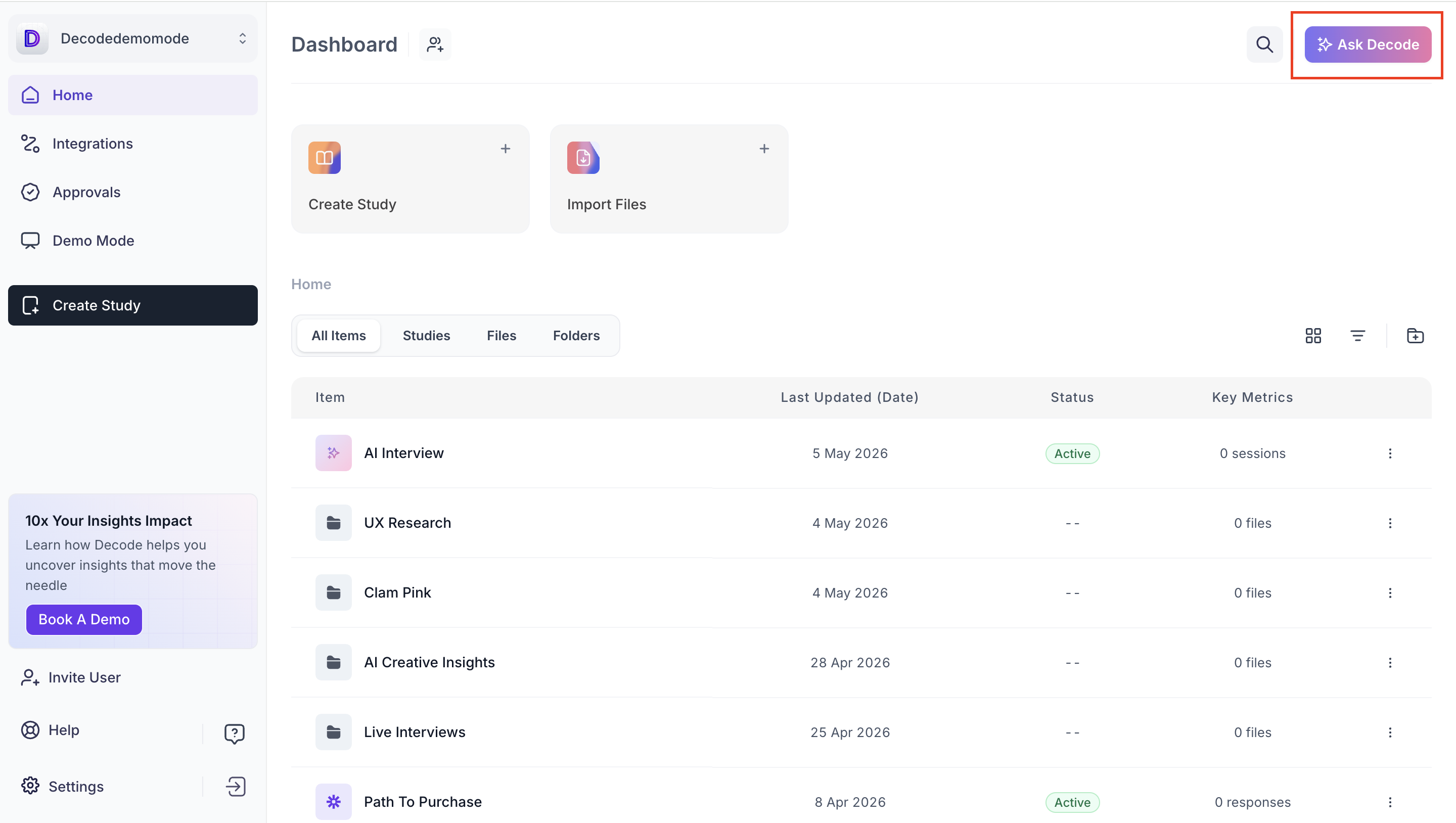
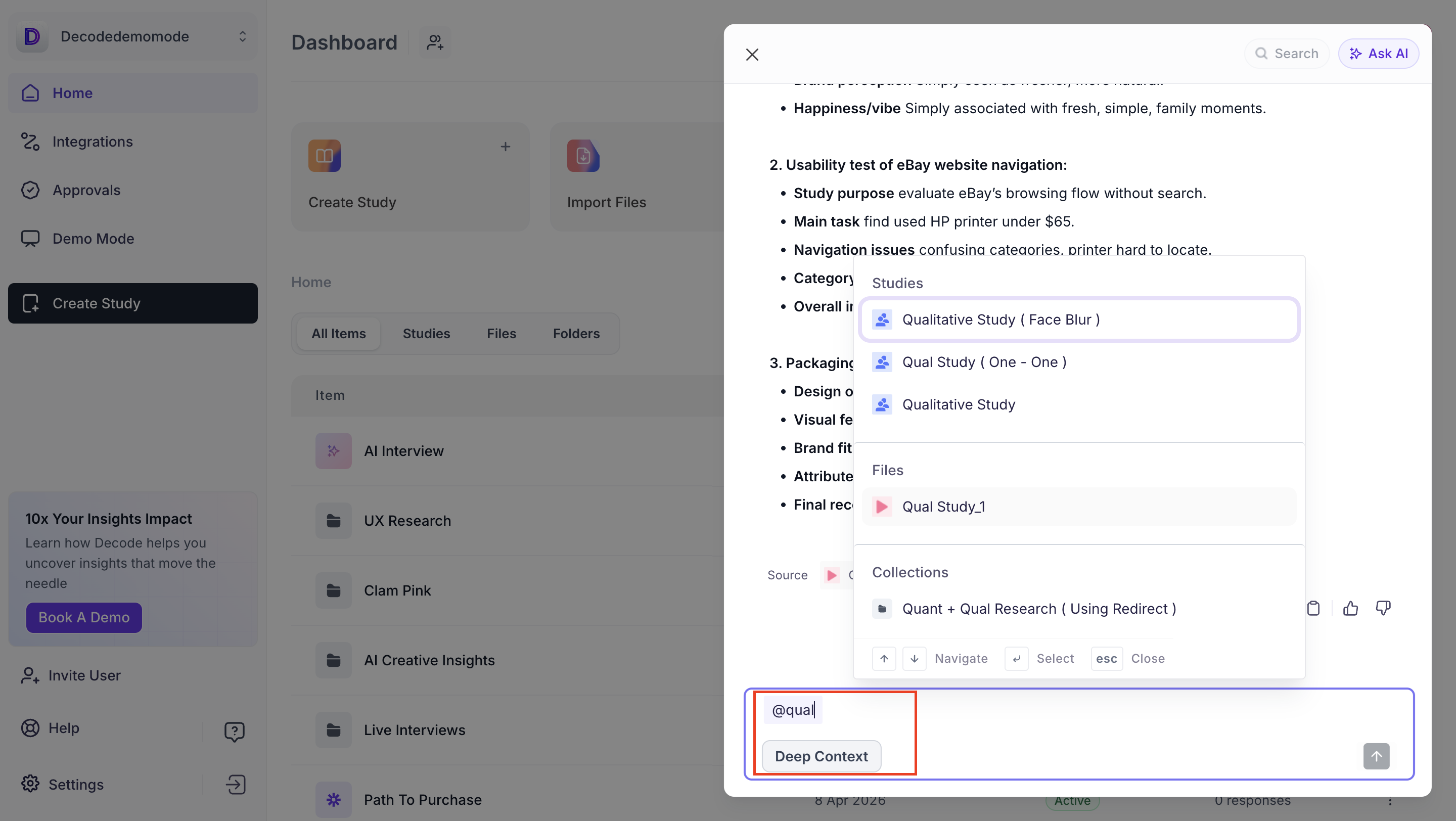
Type @ in the input field, select the study you want to ask about, and enter your question. Copilot returns an answer drawn from that study's data along with the source it used.
Using Copilot from inside a Study
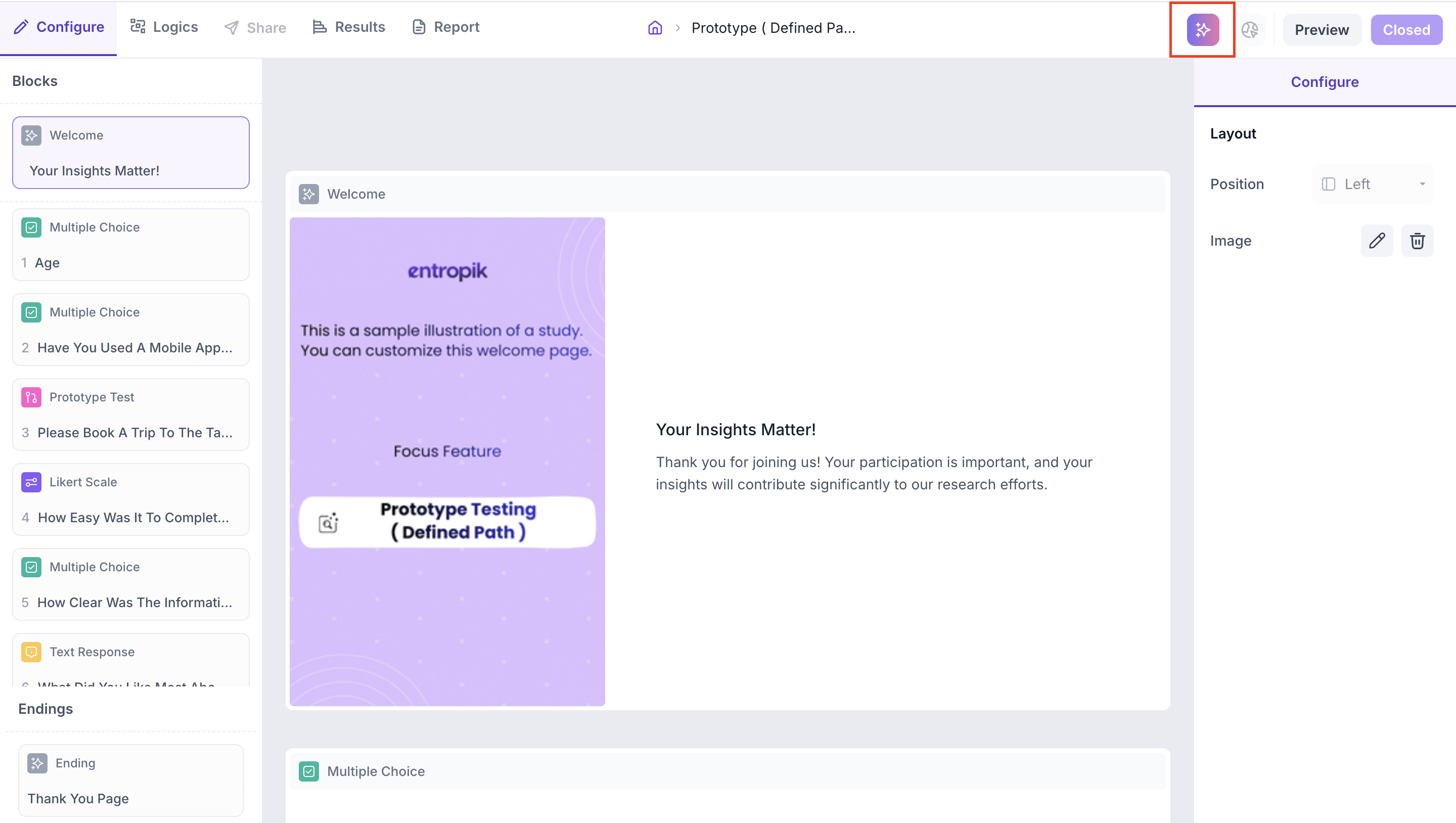
Every study in Decode has Copilot available from within it. Open a study and click the Copilot icon to open the panel.
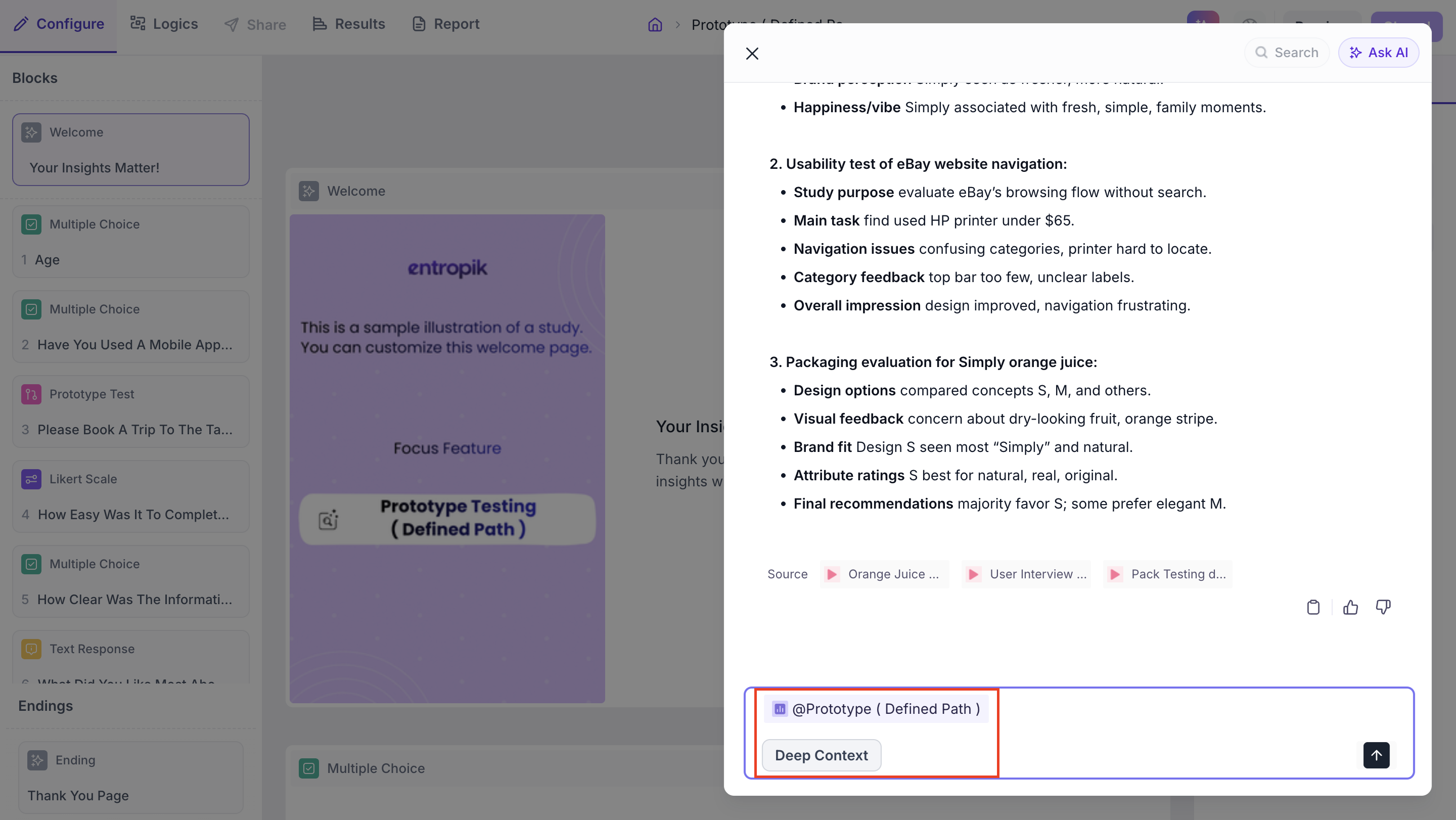
The study is automatically tagged so you do not need to use @ to select it. Type your question directly and Copilot returns an answer from that study's data along with the source it used.
Using Copilot from Insights Hub
Copilot is available from inside any folder in Insights Hub. When you open it, the folder is automatically tagged and you can ask questions across all the files in that folder. To narrow your question to a specific file, type @ and select the file by name. Copilot returns an answer from that file only, along with the source it used.
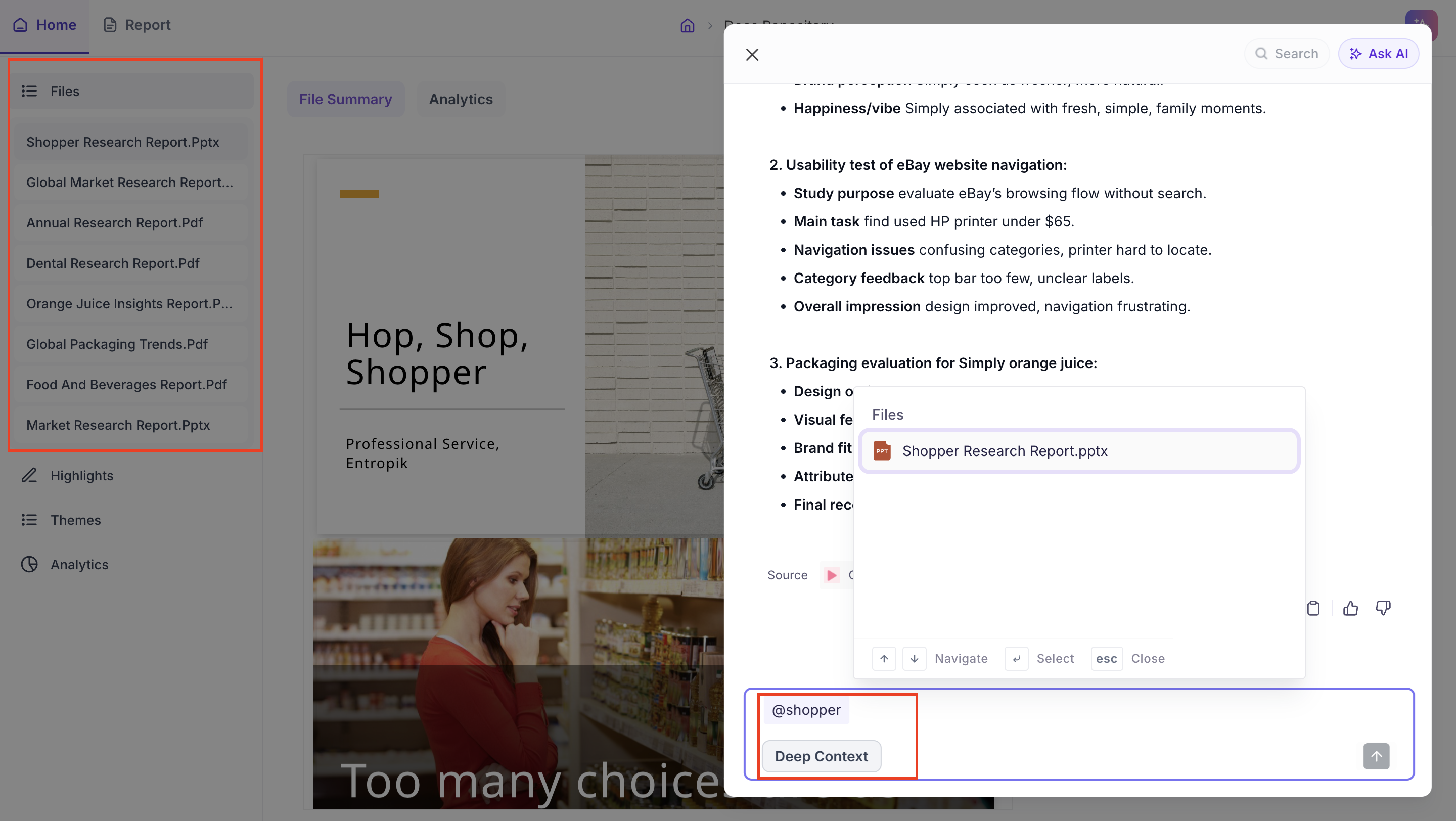
Deep Context
When you ask Copilot a question, it generates a response based on a summarised view of your study data. Enabling Deep Context tells Copilot to go further, analysing the full study data before generating the answer. This produces richer, more detailed insights that reflect what actually happened across the study.
Use Deep Context when your question requires more than a top-level answer, such as when you want to understand patterns across participants, explore why a theme appeared or investigate a specific finding in depth.