
Supported file formats and sizes
AI Creative Insights tells you how a creative is likely to be seen, without running a study. You upload a creative, and the analysis returns attention maps, scores, and recommendations.
Because no participants are involved, it is quick enough to run on several creatives at once. A common use is to narrow a set of options down to the strongest one or two, then take those into a study with real participants. See the AI Creative Insights overview.
Upload and analyse
Supported file formats
| Creative type | Accepted formats |
|---|---|
| Image | JPG, PNG |
| Video | MP4, MOV |
Upload an image file for a static creative and a video file as per below format.
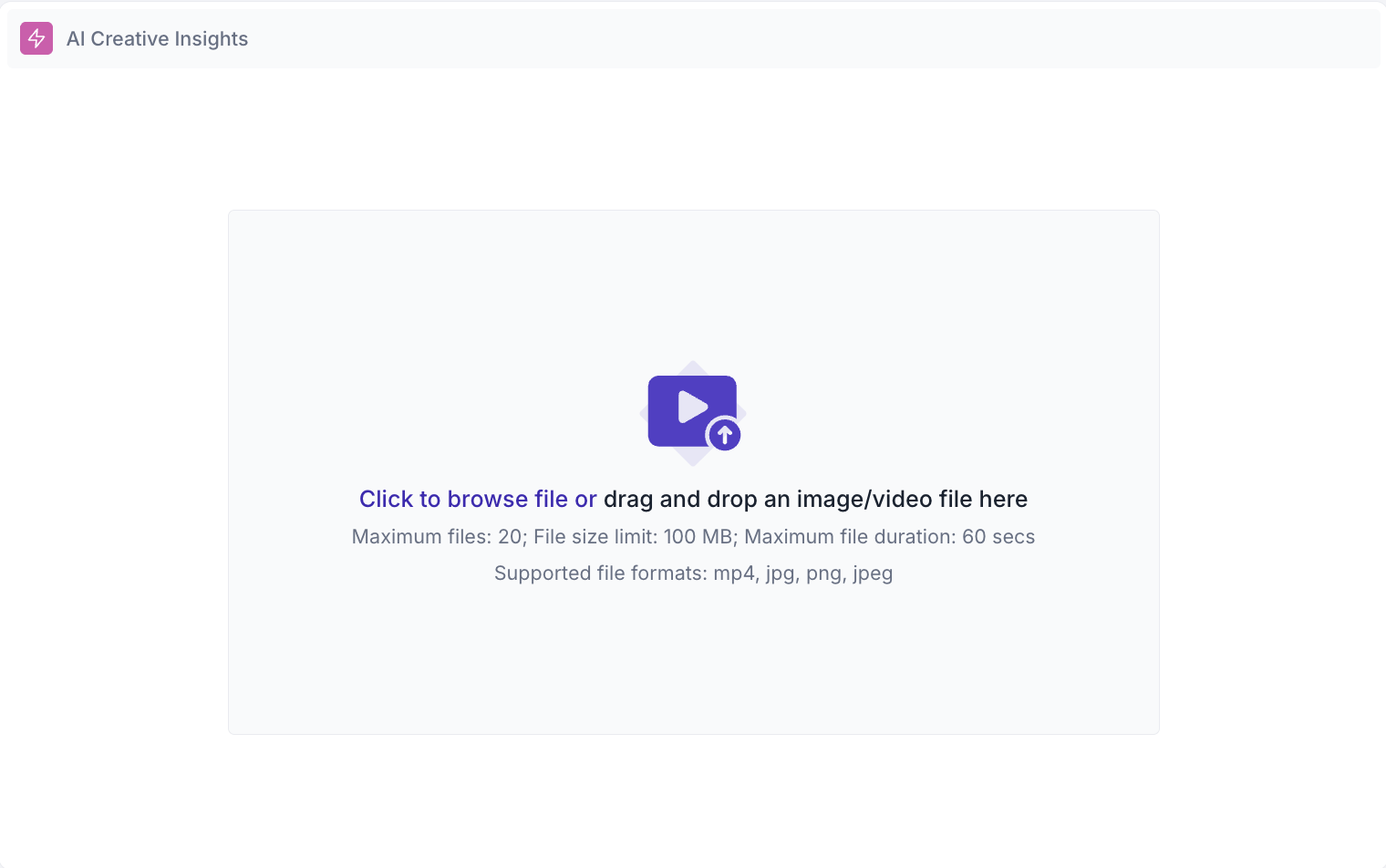
Upload an image file when you are testing a static creative such as a display ad, a social post, a poster, a pack design, or a page screenshot. Upload a video file when you are testing a moving creative such as a TVC, an animatic, or a social video cut.
An image analysis returns the heatmap, the fogmap, Area of Interest scores, and the reports. See Image creative analysis.
A video analysis returns those plus the Media Graph Metrics chart, which plots Focus, Clarity, Attention, and Percentage Seen across the length of the creative at one value per second. This is what tells you how the creative performs moment by moment through the cut rather than as a whole. See Video creative analysis.