
G&R Block in Decode
Overview
The Group and Randomization block lets you divide participants into groups, assign different question blocks to each group and control how participants are distributed. Use it to test multiple versions of a concept or creative, run segmented research or eliminate order bias within a single study.
How to Set Up a Group and Randomization Block
Step 1: Add the Block
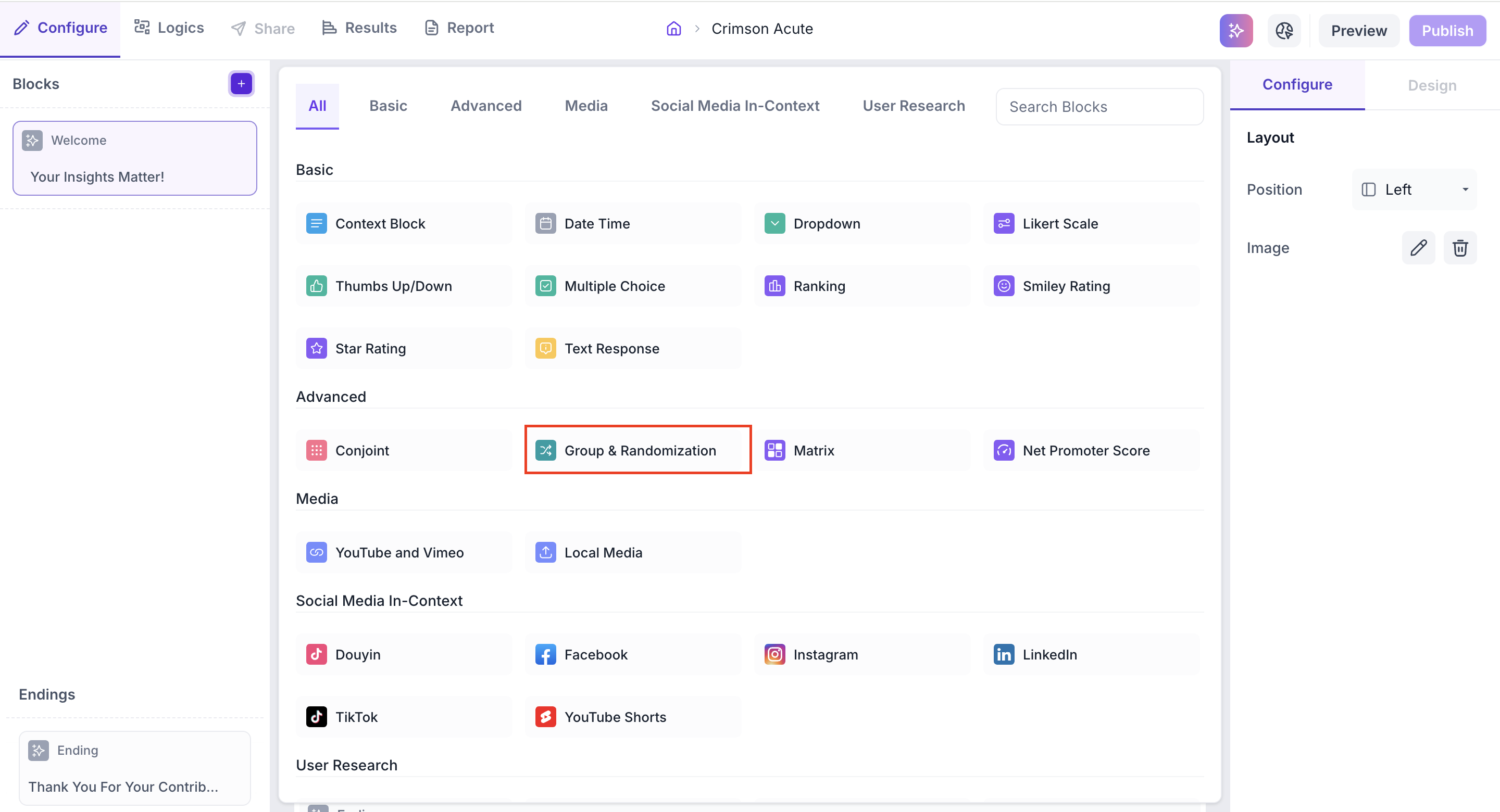
Click the + icon in the left panel and select Group and Randomization from the Advanced section. The block is added to your study with one group created automatically.
Step 2: Add Blocks to the Group
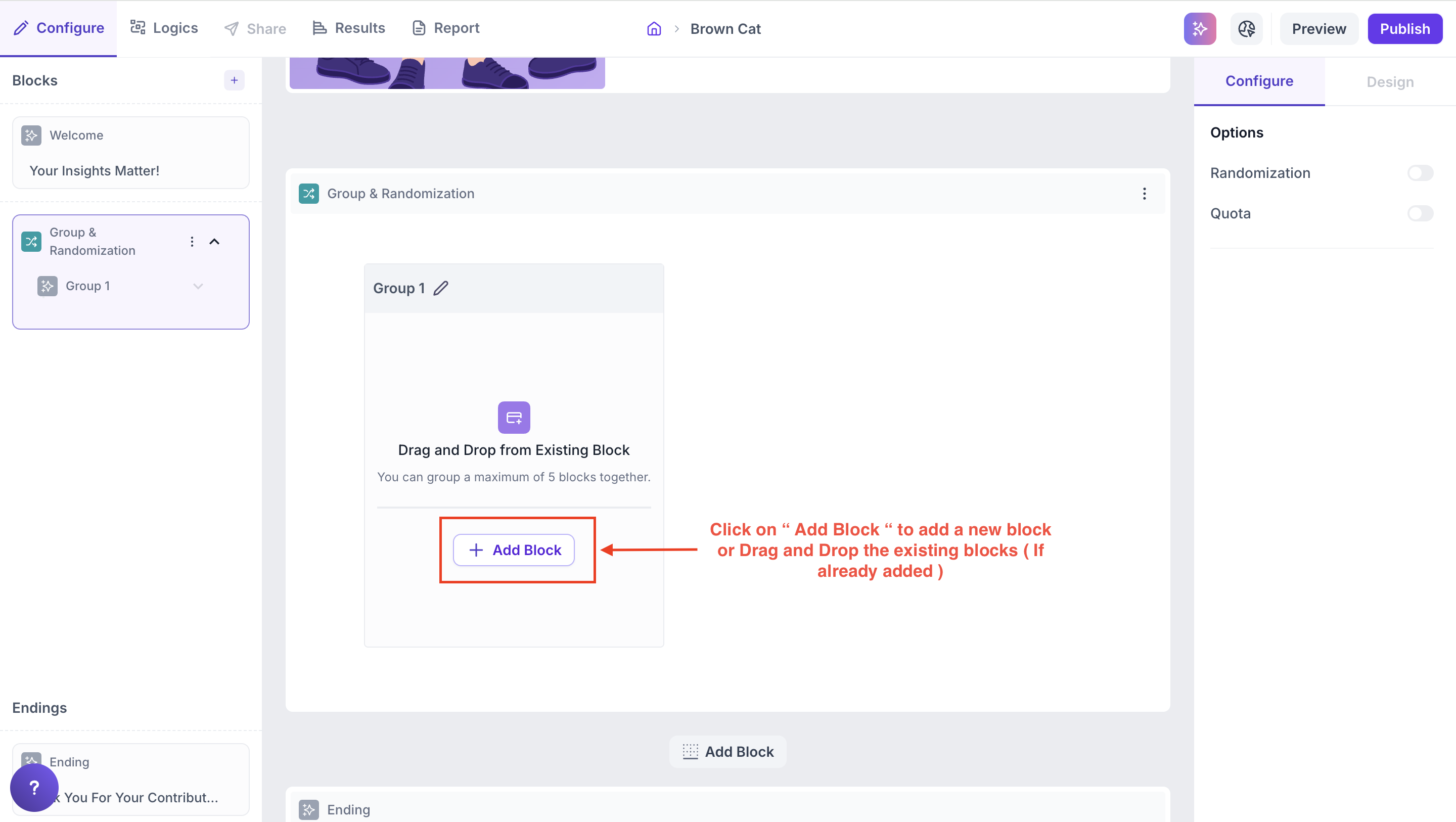
Drag existing blocks from your study into the group or click Add Block inside the group to create a new one. Each group can contain up to 5 blocks.
Step 3: Add More Groups
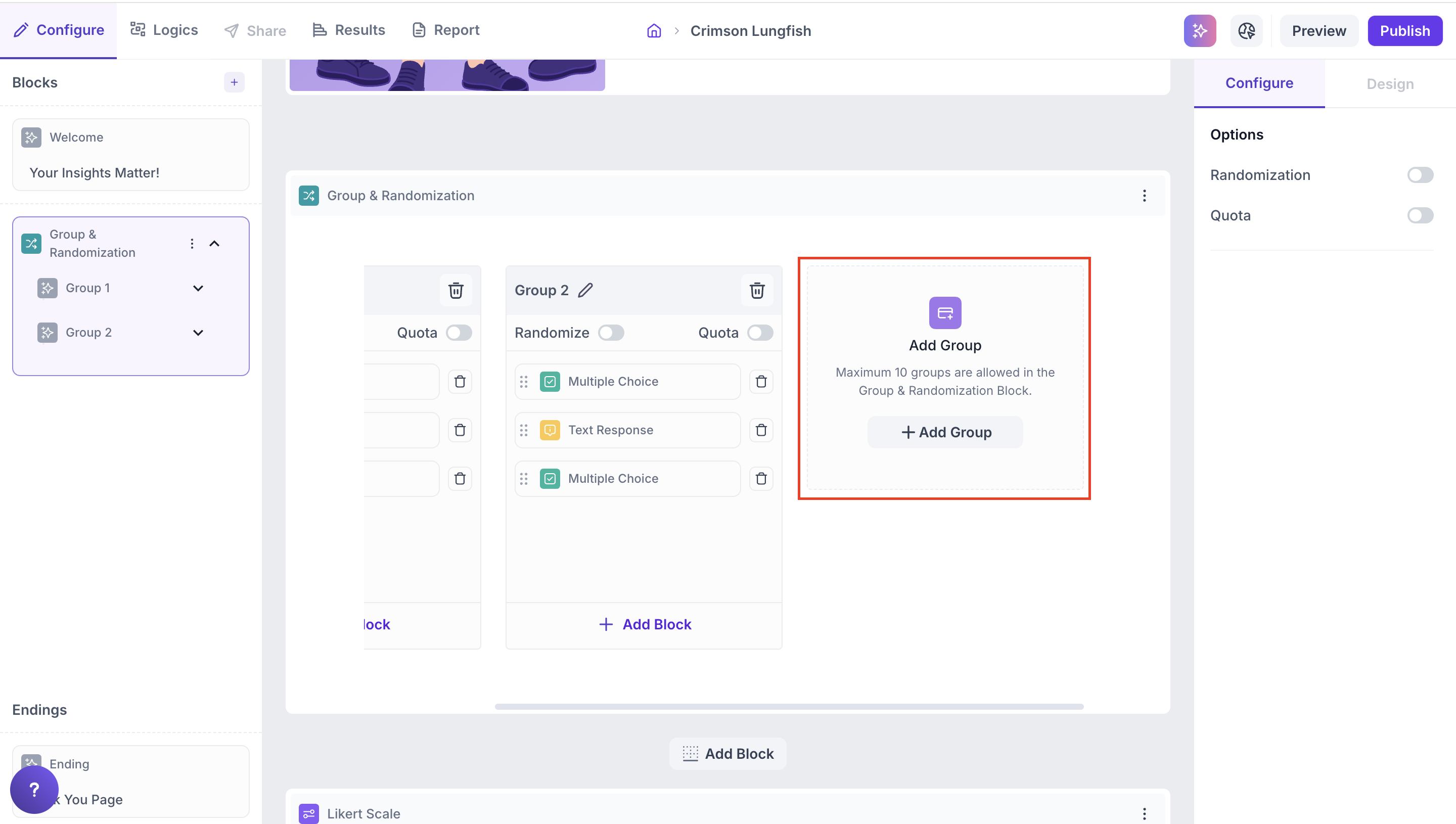
Click Add Group to add additional groups to the block. You can add up to 10 groups in total.
Step 4: Rename Groups
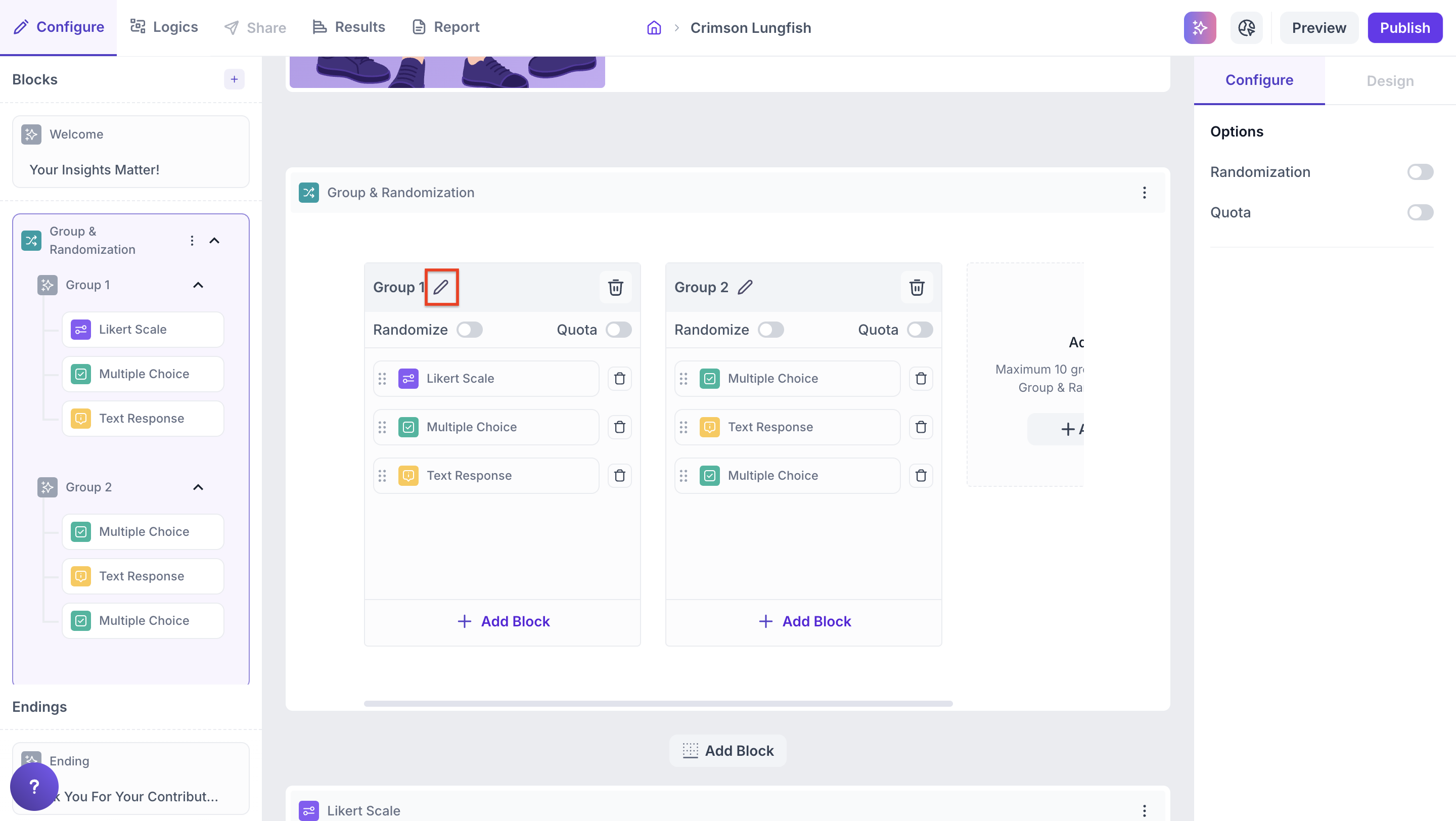
Click the pencil icon next to the group name to rename it. Renaming groups helps identify which segment or concept each group represents, for example Frequent Buyers or Concept A.
Properties
The Group and Randomization block has two levels of configuration. The first controls how participants are distributed across all groups. The second controls how blocks are ordered and distributed within each individual group.
Block-level options
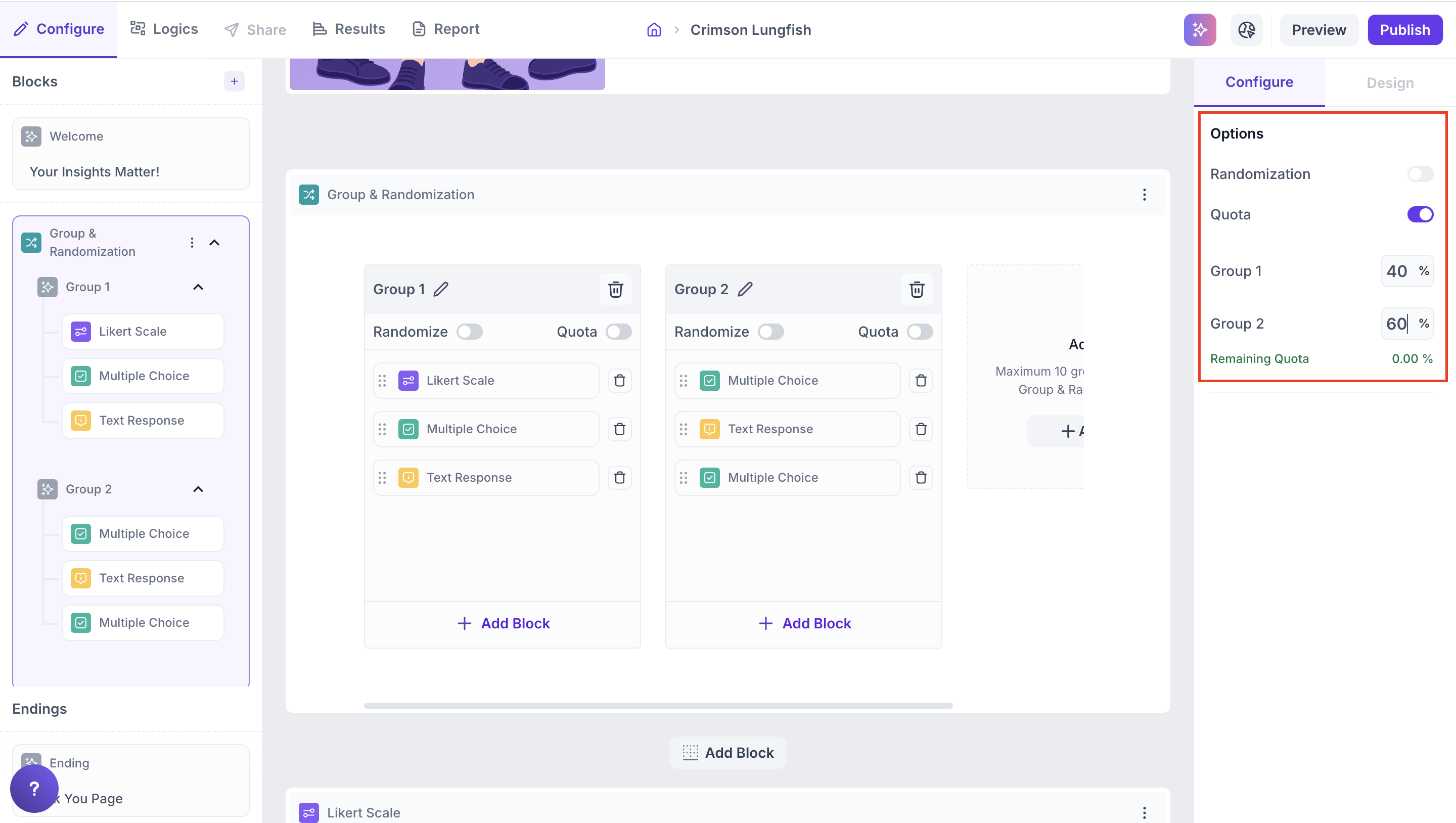
These options appear in the Configure panel on the right side when the Group and Randomization block is selected. They control how participants are distributed across all groups.
- Randomization - Randomly assigns participants across all groups each time the study is taken
- Quota - Assigns a fixed percentage of total participants to each group. The total across all groups must equal 100%
Note
You can enable either Randomization or Quota at the block level, but not both at the same time.
Group-level options
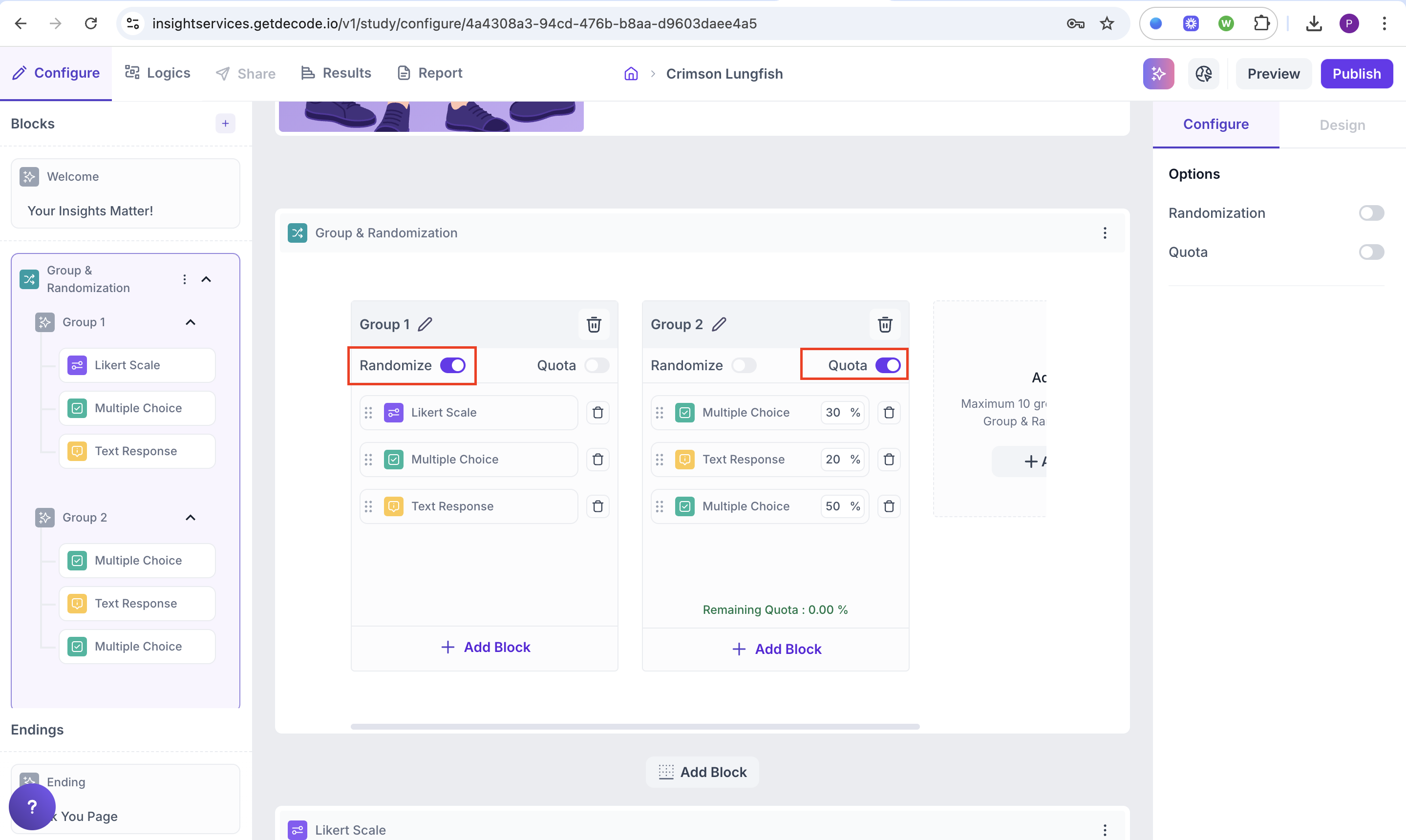
These options appear inside each individual group when blocks have been added to it. They control how blocks are ordered and distributed within that group.
- Randomize - Shuffles the order in which blocks appear for participants assigned to that group
- Quota - Allocates participants to specific blocks within the group. The total across all blocks in the group must equal 100%
Note
Group-level Randomize and Quota settings are independent of the block-level settings. Each group can have its own configuration.
Results
Once the study is live and responses are collected, results are displayed at the individual block level. Each block within the Group and Randomization setup shows its own results in the Results tab.