
Pre-publish creative checks
Overview
Before publishing your study, Decode gives you two ways to check your Social Media In-Context creatives: a live preview for each individual creative as you configure it, and a full study preview that replicates the exact experience a participant will have.
Check an individual creative
While building a block, click any creative thumbnail in the block editor. A live preview appears on the right, showing exactly how that creative will look once published, including the profile name, caption, and post layout for the platform and format you've selected.
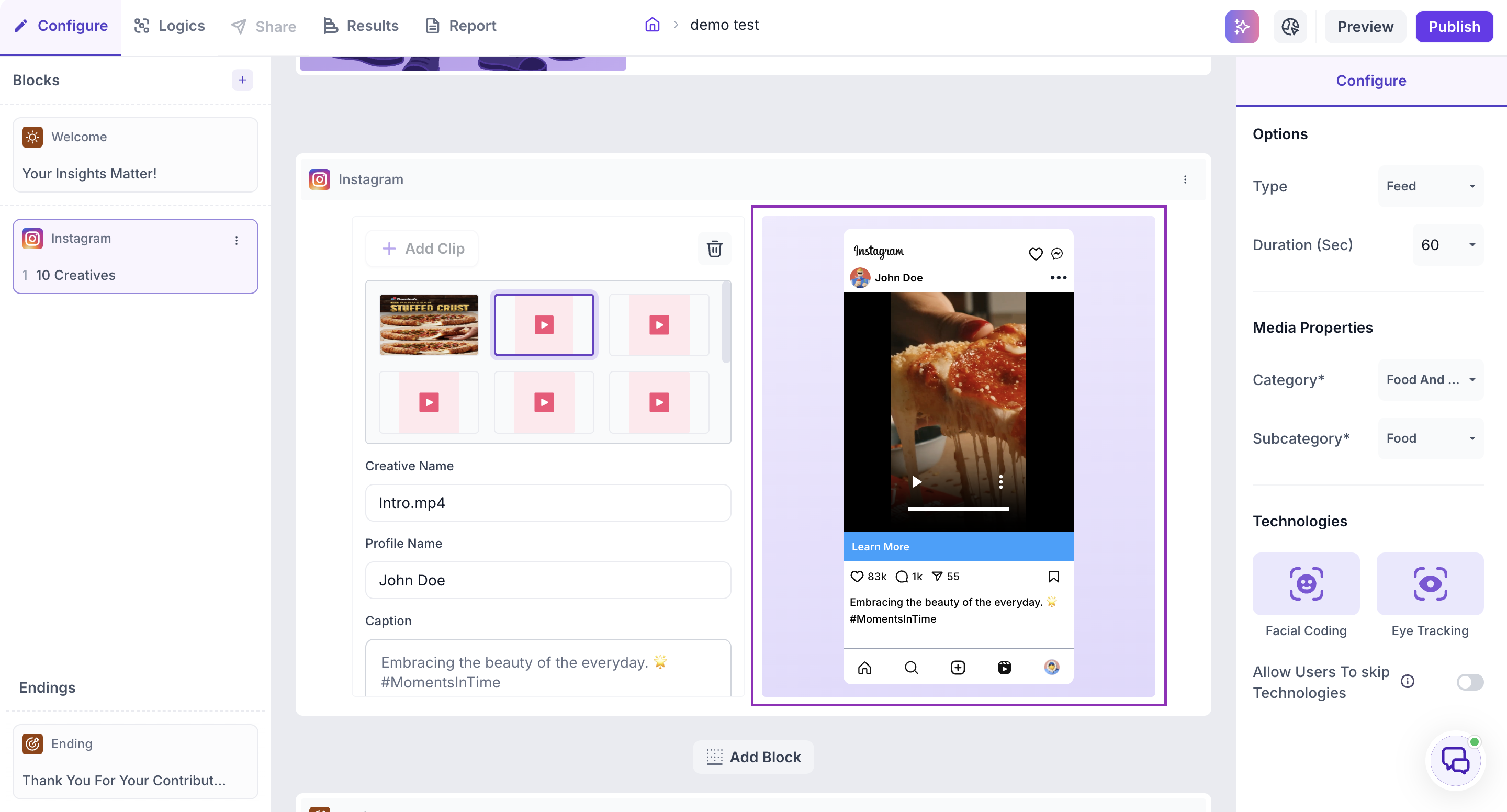
This preview updates in real time as you make changes. For example, switching Type from Reel to Feed on an Instagram block immediately changes the preview from a full-screen reel layout to a standard feed post layout, so you can confirm the format looks right before moving on to the next creative.
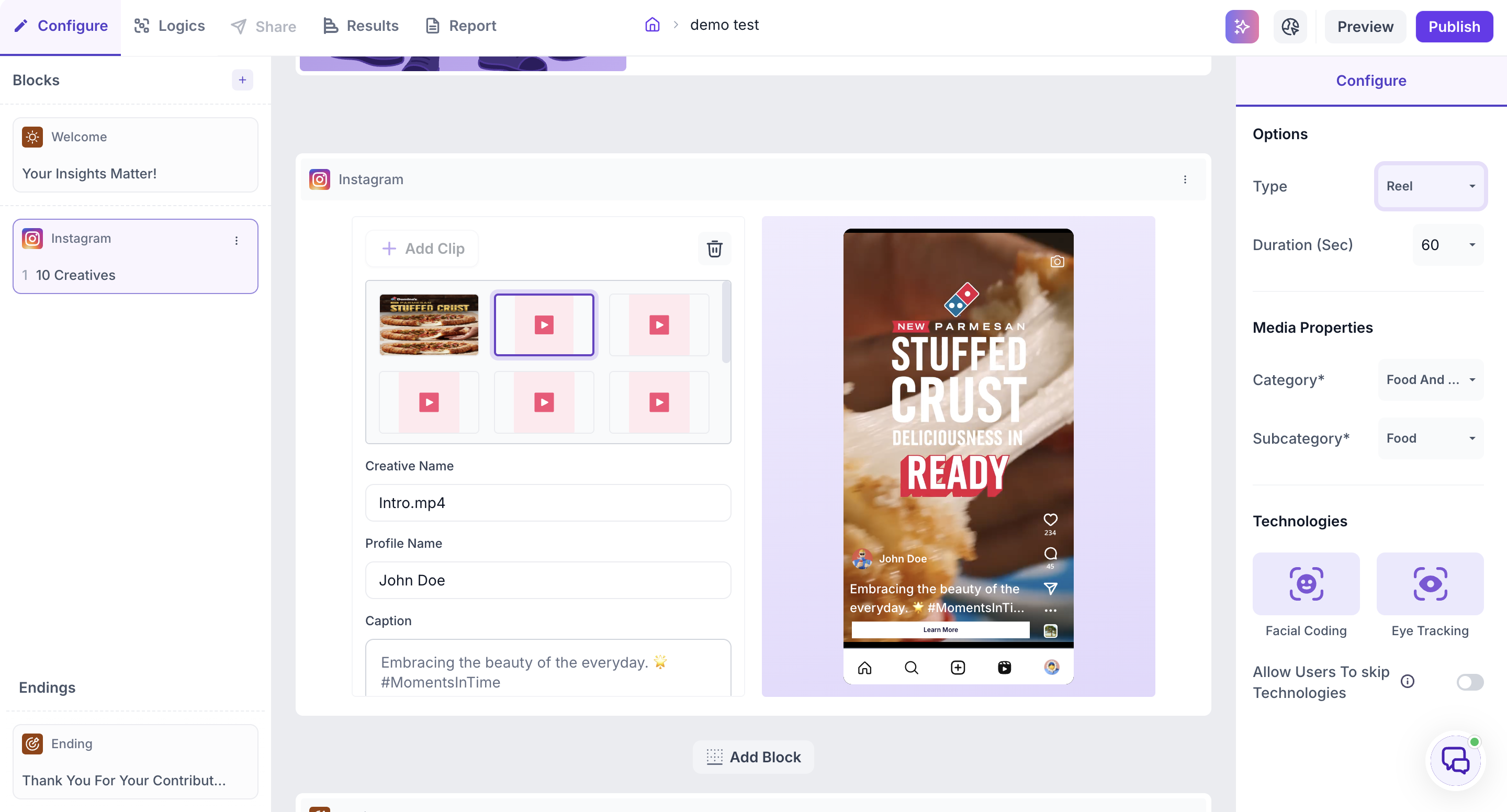
Use this to check each creative individually as you build, catching issues with captions, profile names, or the wrong format before you move on.
Check the full study
Once your blocks are built, click Preview at the top right of the screen to go through the entire study exactly as a participant would. This replicates the full tester experience, including question order, logic flow, and how each Social Media In-Context block appears in sequence, not just one creative in isolation.
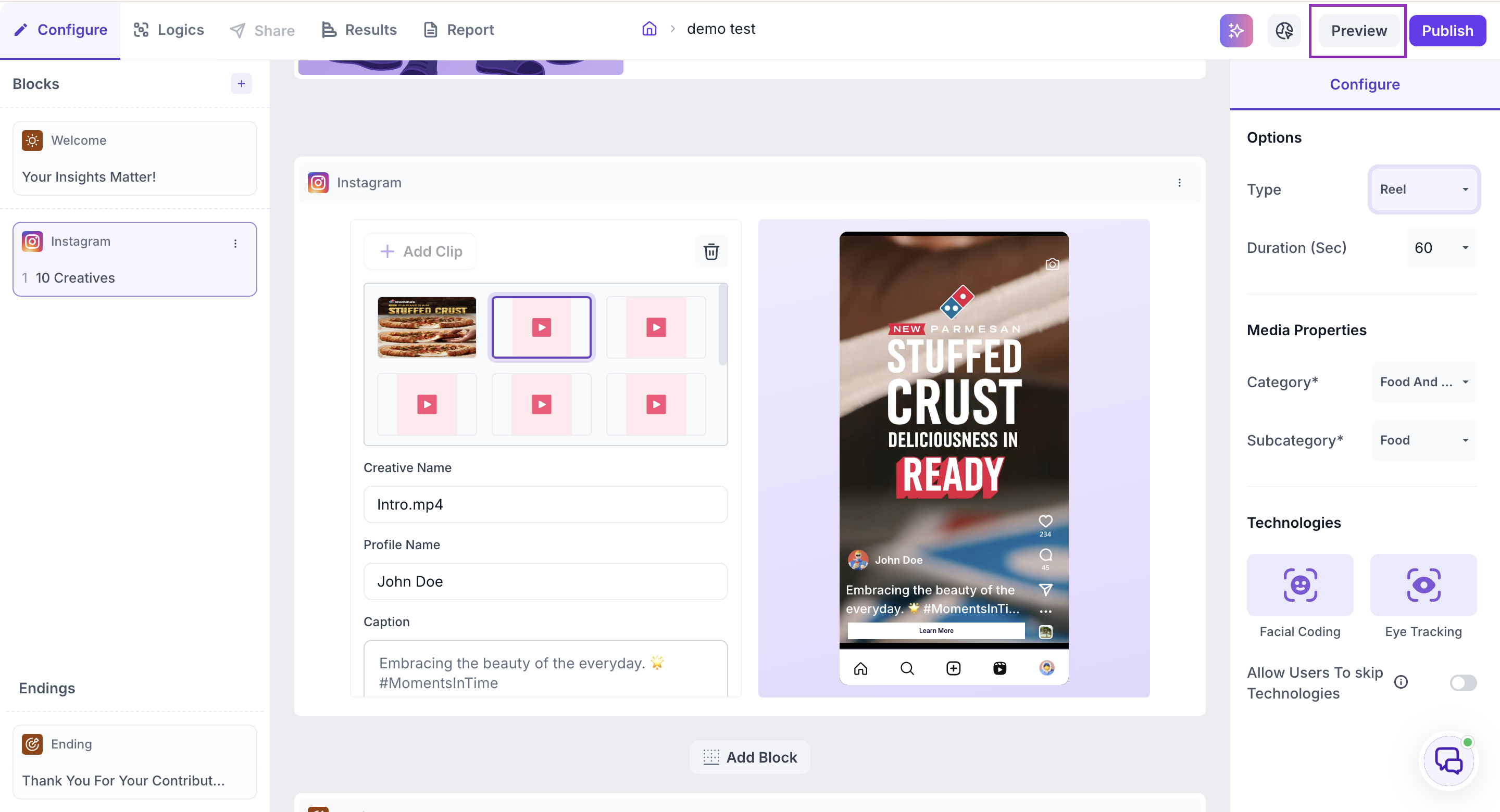
Use this as your final check before publishing, to confirm the whole study flows correctly from start to finish, not just that individual creatives look right on their own.
What to do next
Once you've checked your creatives and previewed the full study, publish your study and see Read in-context results once responses start coming in.