
Bring Your Own Panel (BYOP)
Overview
Bring Your Own Panel (BYOP) is Decode's Self - Recruit option. Use it when you already have people you can reach directly, such as your own customers, colleagues, or community, instead of recruiting through Decode's panel network. It works by generating a study link that you share yourself, and it's free to use.
Set it up
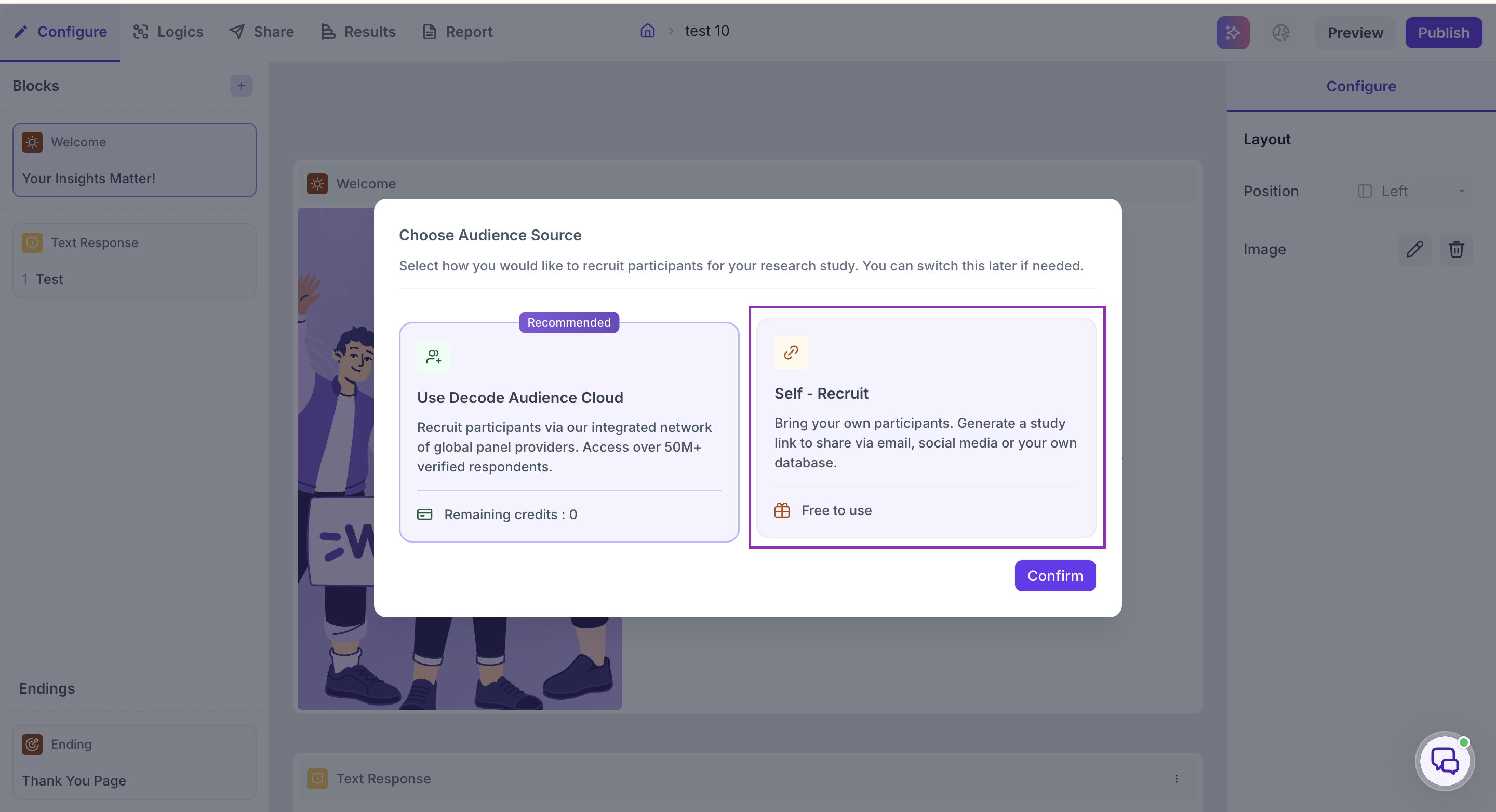
When publishing your study, select Self - Recruit on the Choose Audience Source screen, then click Confirm.
Distribute your study link
Once you confirm Self - Recruit, you will be redirected to the Share Link section under the Share tab. Here, under Share Survey Link, you'll find your study link and a QR code as well.
Share the link with your participants, or share the QR code, to start collecting responses.
Under Share via, you can share your study directly through Facebook, X, LinkedIn, or email. While sharing through these platforms, you can add a detailed description to go along with your post or email:
- Heading — for example, "Can you take this quick survey?"
- Description — for example, "Hey! Can you take this quick survey? It'll just take a moment of your time. Thanks!"
Under Link Settings, you can turn on Enable Short URL if you'd prefer a shorter link to share.
Track completion
Responses collected for this study, whether through your own panel or a Decode panel, appear in the Results tab. From there, you can analyze the responses to get insights from your study.
What to do next
If you also want to recruit through Decode's panel network for this same study, see Decode Panel.